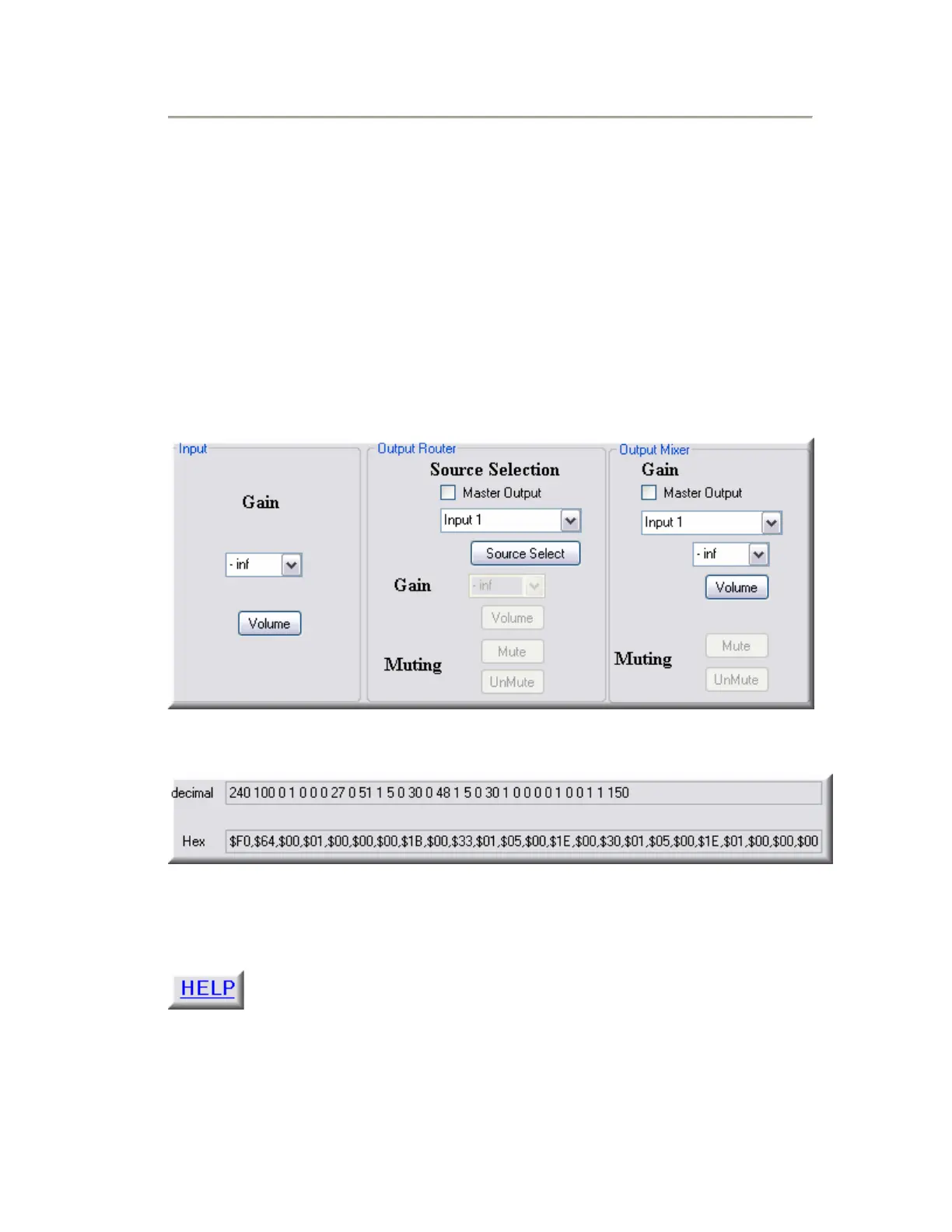
Step 8: Set the parameter values in which you want to
control and the string will be generated.
• Input - Use this section for generating the strings for Input Gain control.
• Output Router – Use this section for generating the strings for Source
Selection, Output Gain and Output Mute/UnMute control, when controlling an
Output Router.
• Output Mixer – Use this section for generating the strings for Mixer Gain,
Output Gain and Output Mute/UnMute control, when controlling an Output
Mixer.
Please see the Help file within the String Calculator for further information.


 To Previous Page