31
SABBATH MODE
The clock, indicators and knob halos will be unlit and unresponsive, but the oven will be
on until the time set elapses or you quit Sabbath mode.
To quit Sabbath mode
Either press and hold the CANCEL until the time of day appears in the display, or turn
the function knob to Off and the oven(s) will turn off.
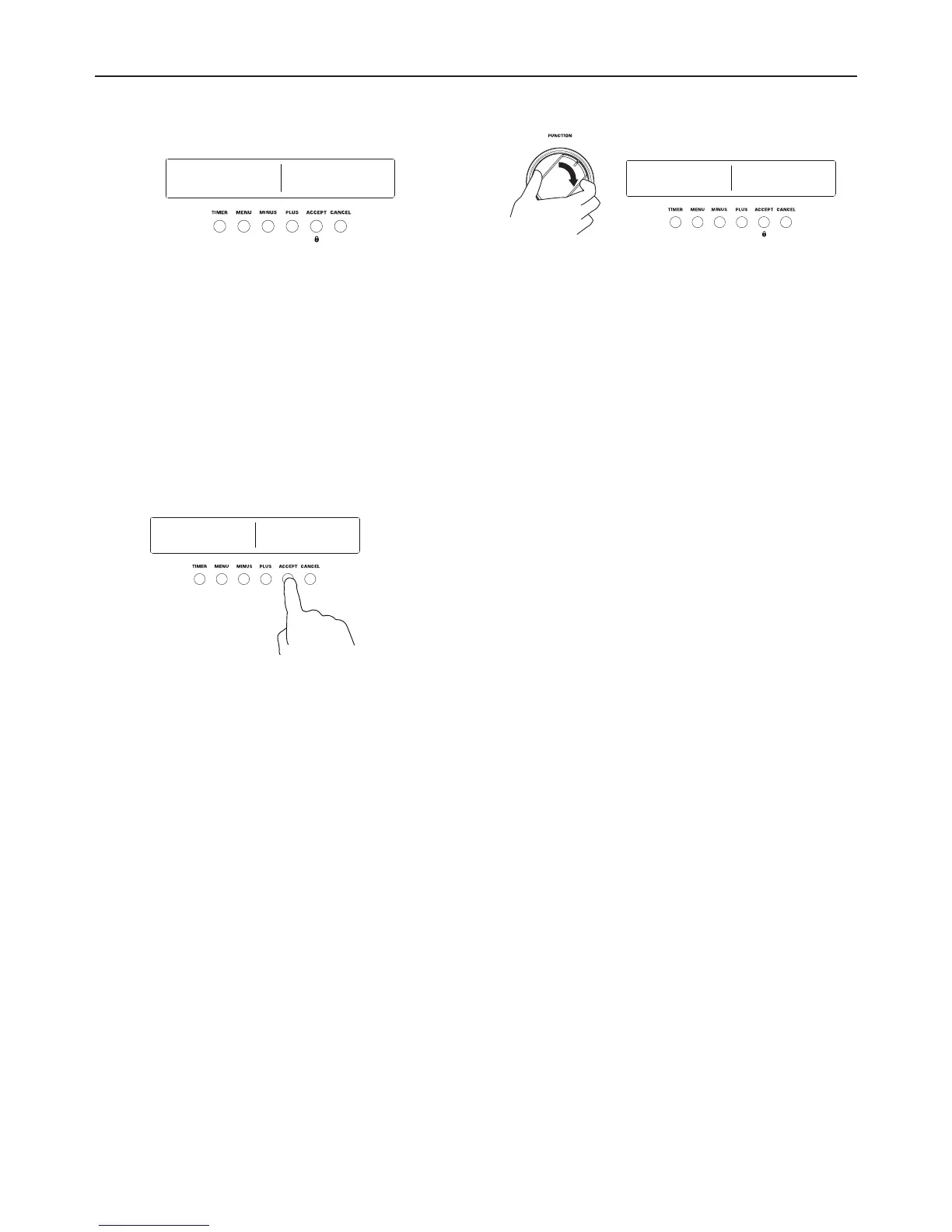
7 Turn the function knob to BAKE.
8 Adjust the temperature if necessary.
Double ovens only:
Set one or both of the cavities to
BAKE now, and adjust the temperature
if necessary.
9 Press ACCEPT to confirm, or wait 30 seconds.
SABBATH MODE will display.
Double ovens only:
NOTE: If you want to use both cavities in
Sabbath Mode, set function and temperature
for both cavities before pressing ACCEPT.
If you have not already set a function
and temperature:
set sabbath function will appear in the
display.
the function knob halo will blink
orange.
NOTE: BAKE function is the only
function available while in Sabbath
Mode.
2 : 25 PM 2 : 25 PM 2 : 25 PM
2 : 25 PM2 : 25 PM2 : 25 PM
2 : 25 PM
2 : 25 PM 2 : 25 PM 2 : 25 PM 2 : 25 PM 2 : 25 PM 2 : 25 PM
ROAST
300f
0h 00m
SET END
TIME
SET COOK
TIME
2h 30m
DELAYED
COOK
2h 00m
DELAYED
COOK
0:00 pm
END TIME
0:00 pm
SET END
TIME
4:30 pm
DELAYED
COOK
6:30 pm
END TIME
DELAYED
COOK
2h 00m
END TIME
STARTS AT: 4:30 PM
ROAST
300f
ENDS IN: 2H 27M
ENDS IN: 2H 05M
ROAST
300f
6:30 PM


 To Next Page