Need help?
Do you have a question about the ddrum 4 and is the answer not in the manual?
Manual introduction, purpose, and instructions for reading with Acrobat Reader.
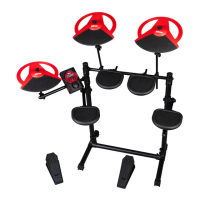
Overview of the ddrum4 SE system and its multi-sampled signature sound library.
Descriptions of Cast Precision Pads, Cast Cymbal, and Cast Hi-Hat.
Guide to downloading and adding new sounds to the ddrum4 SE system.
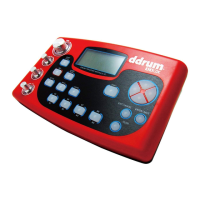
Description of channel controls, palette buttons, and input sensitivity knobs.
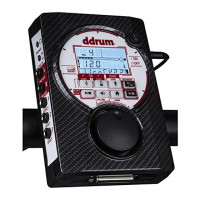
Explanation of edit buttons, rotary dial, display, and master level control.
Overview of rear panel jacks, MIDI connectors, and power switch.
Steps for connecting the ddrum4 SE module and accessories, including power-up order.
Setting up input channels, selecting trigger input types, and adjusting sensitivity.
Setting the trigger threshold to prevent false triggers from noise or other sounds.
Navigating between Palette and Kit modes for sound selection and editing.
Information on factory preset kits and programming/storing custom kits.
Procedures for selecting individual sounds and saving edited kits.
Advice on sound systems and power amplifiers for optimal sound reproduction.
Guidance on selecting headphones and proper connection to a mixer.
Detailed explanation of system functions: Trig Input, Threshold, Dynamics, and MIDI settings.
Adjusting sound parameters like Pitch, Decay, Level A, and Level B.
Using shift functions for memory management, sound manipulation, and MIDI transmission.
Configuring MIDI settings: note numbers, volume, program changes, and local control.
Understanding proprietary ddrum4 sounds and MIDI Sample Dump for sound transfer.
Step-by-step instructions for loading new sounds into the ddrum4 SE using MIDI.
Using MIDI Program Change messages for control and referencing the MIDI Implementation Chart.
List of multi-sampled sounds, their origins, and descriptions.
Instructions for assembling and maintaining Cast Precision and Mesh Head pads.
Guidance on unpacking, mounting, calibrating, and maintaining the Cast Cymbal and Hi-Hat.
Instructions for mounting and setting up acoustic and red shot triggers, including tips.
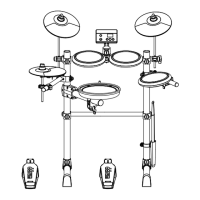
Detailed steps for assembling the ddrum4 rack stand and mounting components.

 To Next Page
 General