27
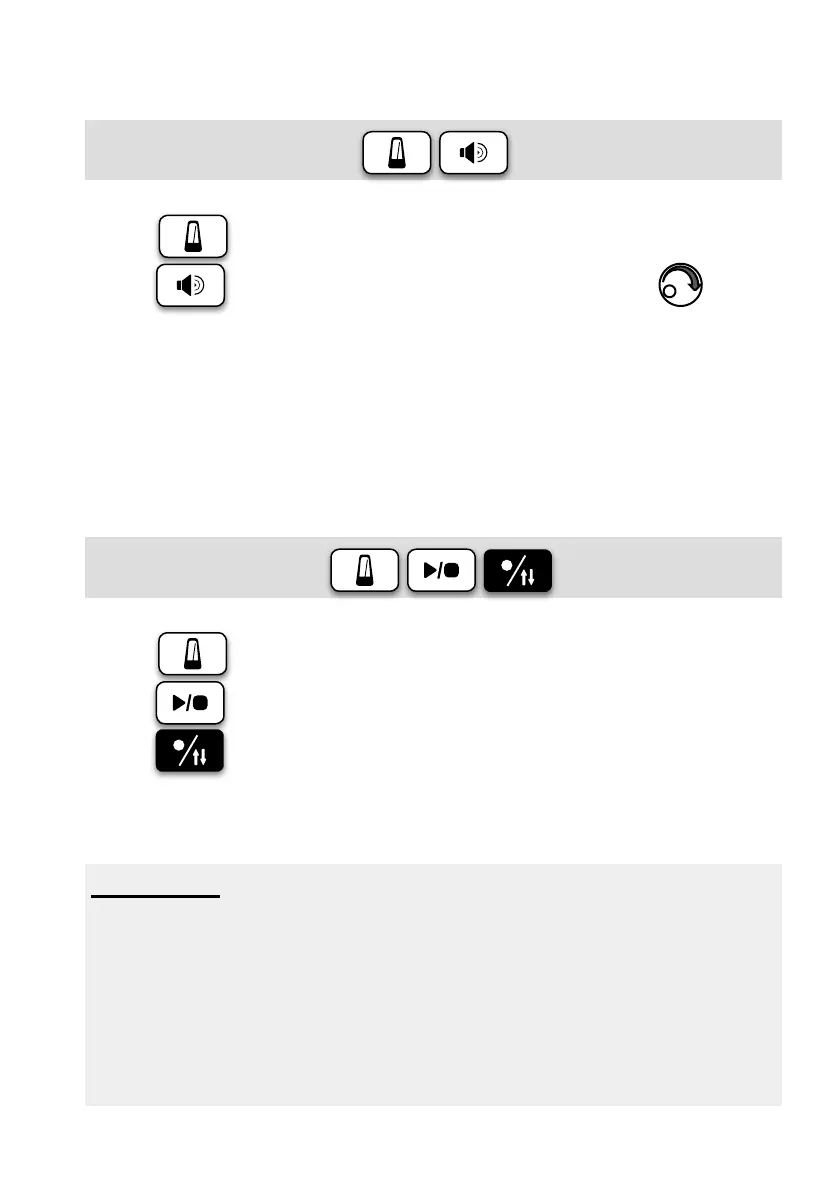
Click Mode Volume: ×2
Press button into Click mode,
press
button twice to select mode volume,use to
adjust.
Click Mode REC.:
Press button to check status,
press
to select,
press
buttonstartREC.
(ClickwillberecordedinBGMtrack.)
Important
Use the Click recording mode, just like the drummer in the studio
recording, you can very clearly to hear the beat of drums are
stableornot.
Whenplayingarecording,each Drum and Click track volume
can be adjusted separately, Click track can be muted, causing
youmoreconvenienttocompare.


 To Next Page