GENESIS-VP™: User’s Manual
12
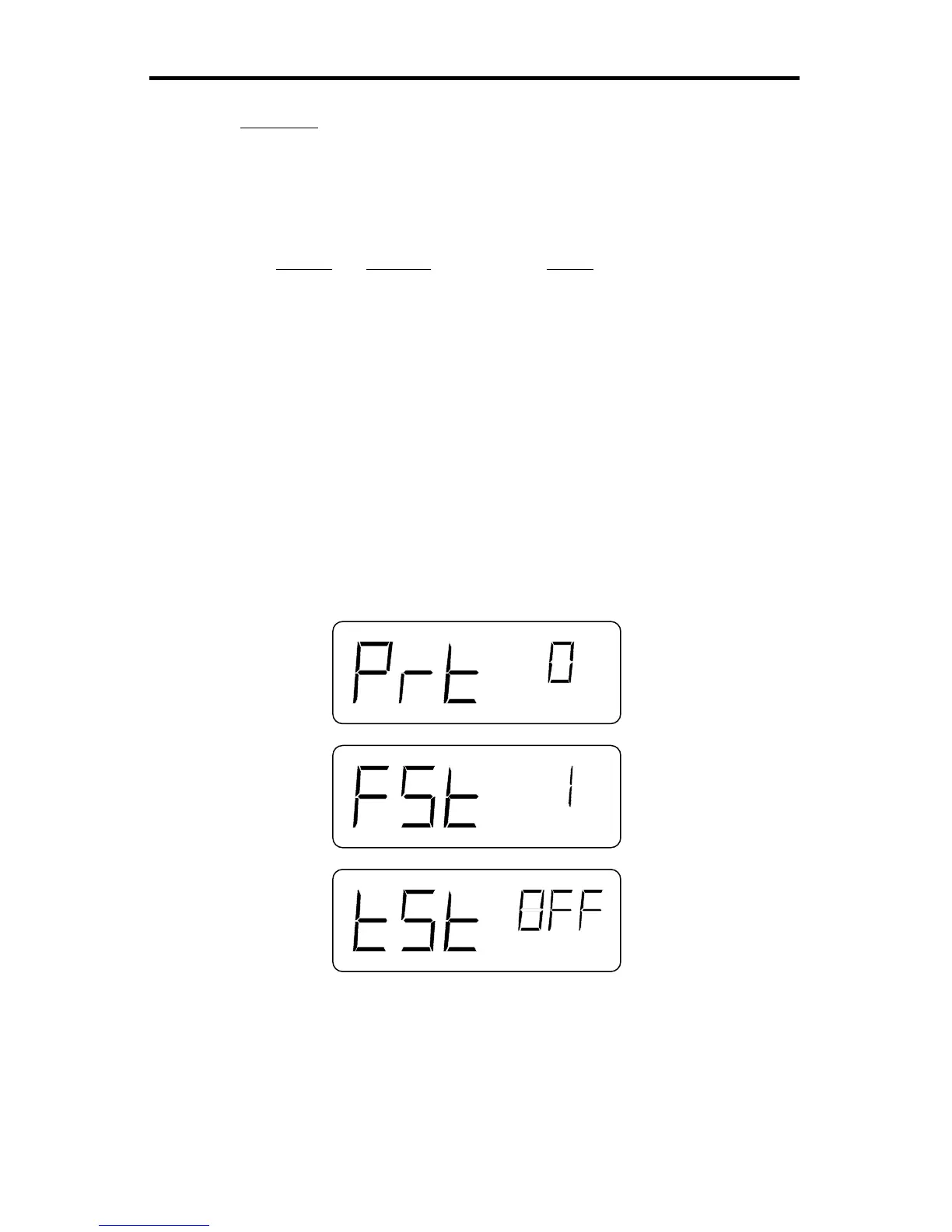
Secondary
To enter the secondary menu, press the SEL (select) button and hold it.
While holding the SEL button, press the MENU button. To advance to the
next menu category value, press the MENU button again.
Symbol Meaning Range
Prt Communication port 0 = None
1 = VISIMAX sign/video
2 = ATV sign/video
3 = Reserved
4 = Reserved
5 = Reserved
6 = Speed Tracker™ software
7 = STAR™ software
8 = Reserved
9 = Reserved
10 = Reserved
FSt Fastest vehicle 0 = Fast-hold
1 = Fast-toggle
tSt Mini-test on / off
Figure 6:
Secondary Menu



 To Next Page