GENESIS-VP™: User’s Manual
4
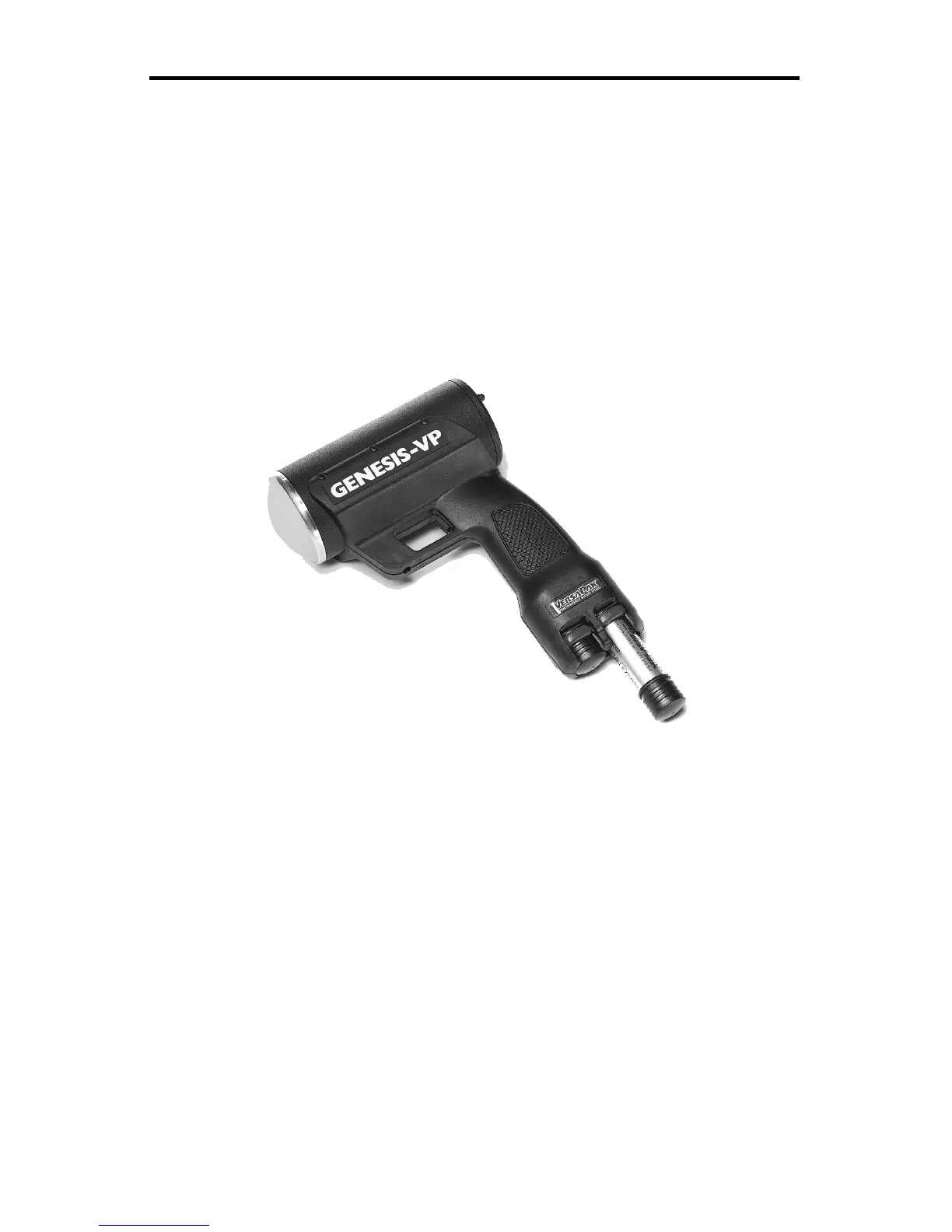
Figure 1:
Inserting Batteries
1. Quick Start Instructions
1.1 Insert VersaPak™ batteries
Remove VersaPak™ batteries from their package and charge them (please
refer to VersaPak™ instruction sheet). When the VersaPak™ batteries are
charged, insert them into the base of the handle grip as shown until you hear
them snap into place.
1.2 Turn on the power
Push the power button. The Genesis-VP™ will do a display test and beep
and then blank the speed windows.



 To Next Page