5
GENESIS-VP™: User’s Manual
1.3 Set Menu Options
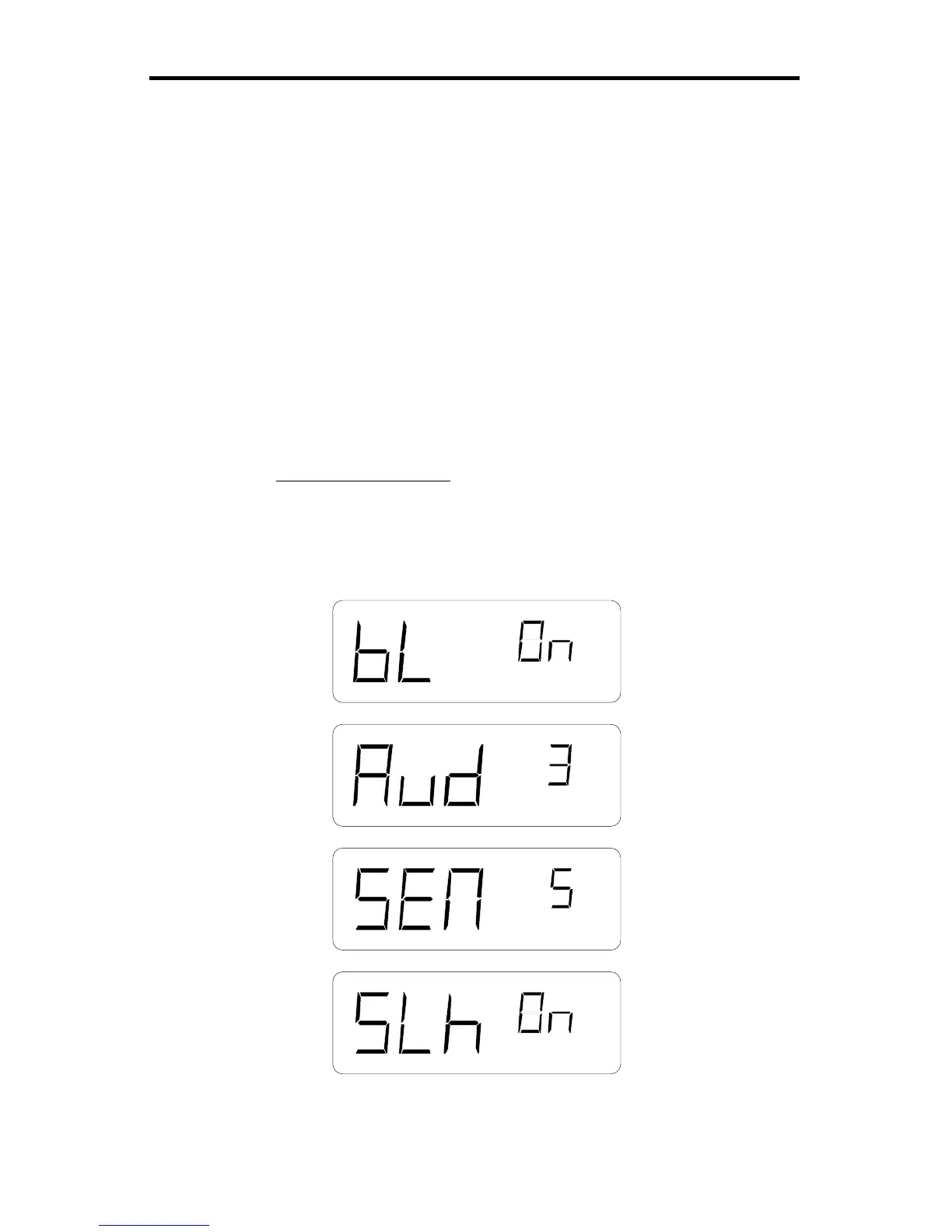
Primary menu
You may use the factory default settings listed below or you may select your
own settings. To select your own settings, press and hold the MENU button.
You will see “bL” (for back light) in the left window and “OFF” in the right
window. If you wish to change this to “ON,” then simply press the SEL
(select) button. (The SEL button is used to toggle/cycle through all available
values for a given parameter.) Release and press the MENU button again to
move to the next category and repeat the process. When finished, release the
buttons and your new settings will be in effect. The unit will “remember” the
last settings when turned off and will power up with the last set values in
each category. See section 2.3 on Menus for other settings.
Factory default settings:
bL (back light) .......................... = on
Aud (audio volume) .................. = 3
SEN (sensitivity) ...................... = 5
SLh (squelch) ........................... = on
Figure 2:
Primary Menu



 To Next Page