9
GENESIS-VP™: User’s Manual
2. Controls
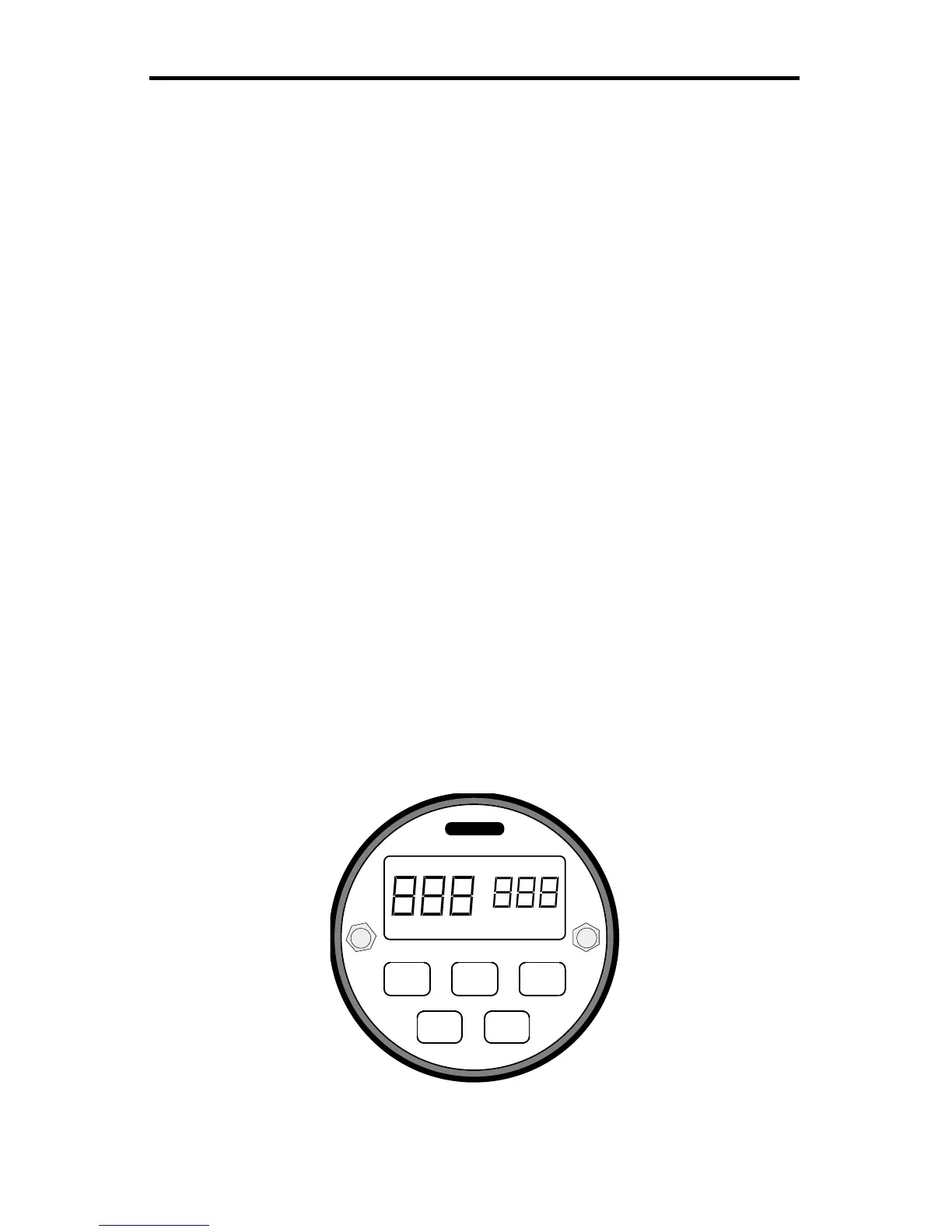
2.1 Faceplate
When pressing the button of a valid function on the front panel, the computer
acknowledges the command with a beep.
MENU
The MENU button allows you to view the user programmable categories. To
change the menu category, press the MENU button.
SEL
The SEL (select) button allows you to choose values (settings) in each of the
menu categories. To change the menu category value, press the SEL (select)
button.
TEST
When the TEST button is pressed the Genesis-VP™ will complete a self-test.
See section 6.1.
FAST
When the
FAST
button is pressed the Genesis-VP™ will enter fastest target
mode.
PWR
Turns Genesis-VP™ on and off
Figure 4:
Faceplate
MENU TEST PWR
FAST
POWER RFI LOW BAT LOCK FAST
MPH
XMIT HOLD ERROR KPH
SEL



 To Next Page