4 Operating Joystick model
40
1 Model Information
2 Setting Parameter Values
This area displays the parameter setting values. When [Parameter setting way (Selection)]
mode is selected, an asterisk (*) indicating that the value is preset is displayed in the Setting
Value column.
4.8.2 Joystick Path Setting Window: Joystick Path Setting Results
2
1
3
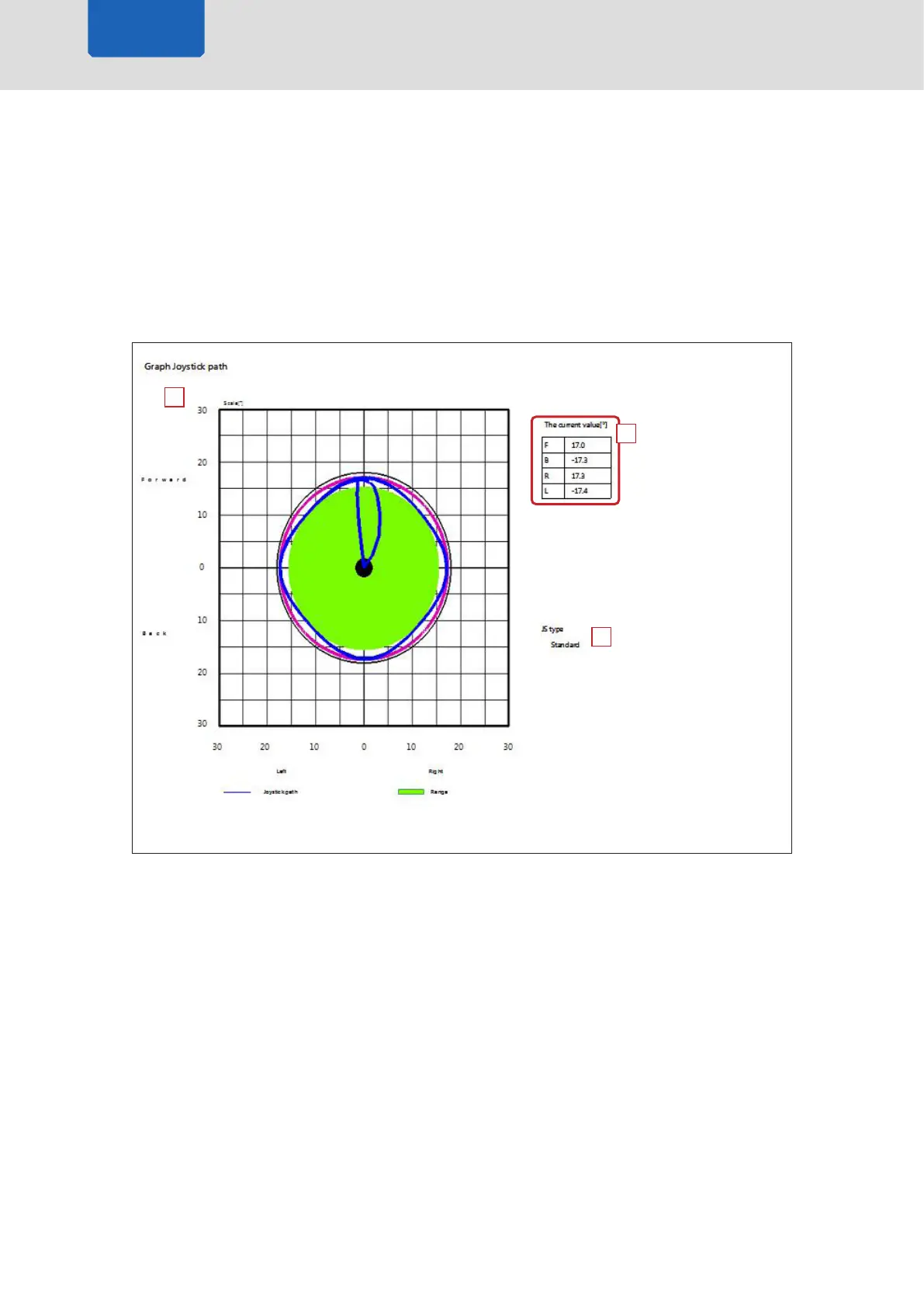
1 Graph Display
This area displays the graph shown when Print Preview was opened.
When the graph screen is zoomed in or out, the graph is previewed and printed at the same
magnication.
2 The current value
3 JS type
Joystick model



 To Next Page