5 Operating Servo model
65
5.9 Print
Print allows you to print the settings in the Driving Parameters window, the diagnostic results in the
Automated Diagnostics Tool window, and the driving path in the Wheelchair Path window.
Selecting the [Print] icon on each screen or [File] > [Print] from the menu bar opens Print Preview.
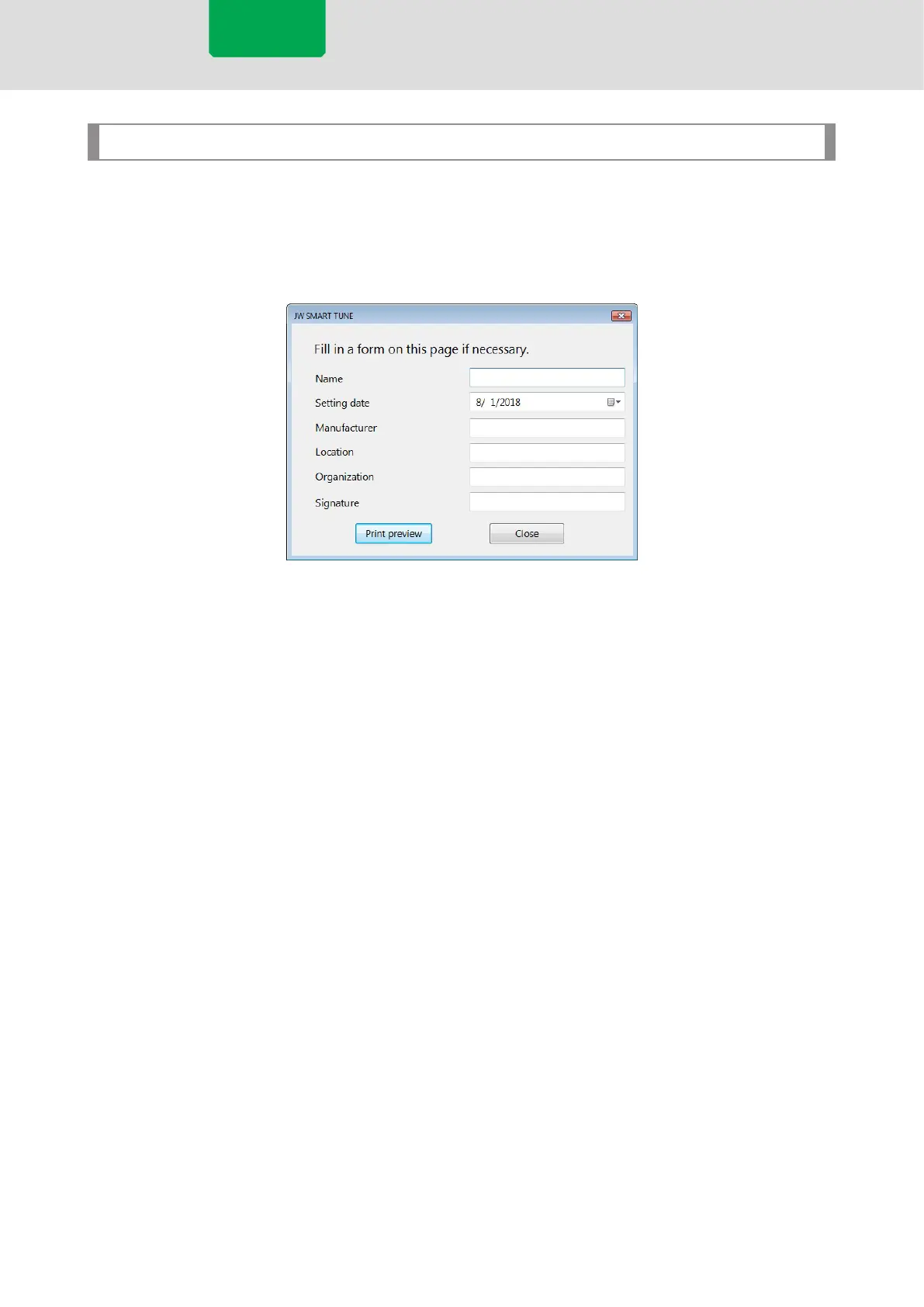
When printing the settings on the Driving Parameters window, a window with entry elds for printing will
be displayed.
Servo model



 To Next Page