PAGE 2
The
THUNDER
has four different types of delay boxes built in. They are:
1. DELAY: A simple 4 digit delay box used for pro tree classes and leaving off your top amber for full tree
classes. The box simply delays for the time set and releases the transbrake.
2. CROSSOVER: Used in full tree bracket racing for launching off your opponent’s top bulb when you are the
faster car. The box calculates the handicap and adds it to your delay time.
3. INTERFACE: This is used the same as crossover
except it allows you to take two hits at the tree. You leave
off the opponent’s top bulb, press the transbrake button again, then release off your own top bulb. The box
will release the transbrake on the quicker of the two releases. This means if your release on the opponent’s
top bulb gives you a .520 light and the release on your top bulb gives you a .505 light, the box will launch the
car on the .505 light. Remember, the interface always chooses the quicker light and will choose a .490 over
a .500.
4. CROSS TALK: Us
ed for the cross talk bracket tree, this mode functions the same as the Interface mode ex-
cept it allows you to take two hits at your tree, one off your top amber, and one off your second amber. Like
the Interface, the box will choose the quicker of the two reaction times.
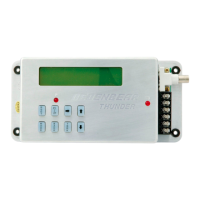
PROGRAMMING BUTTONS
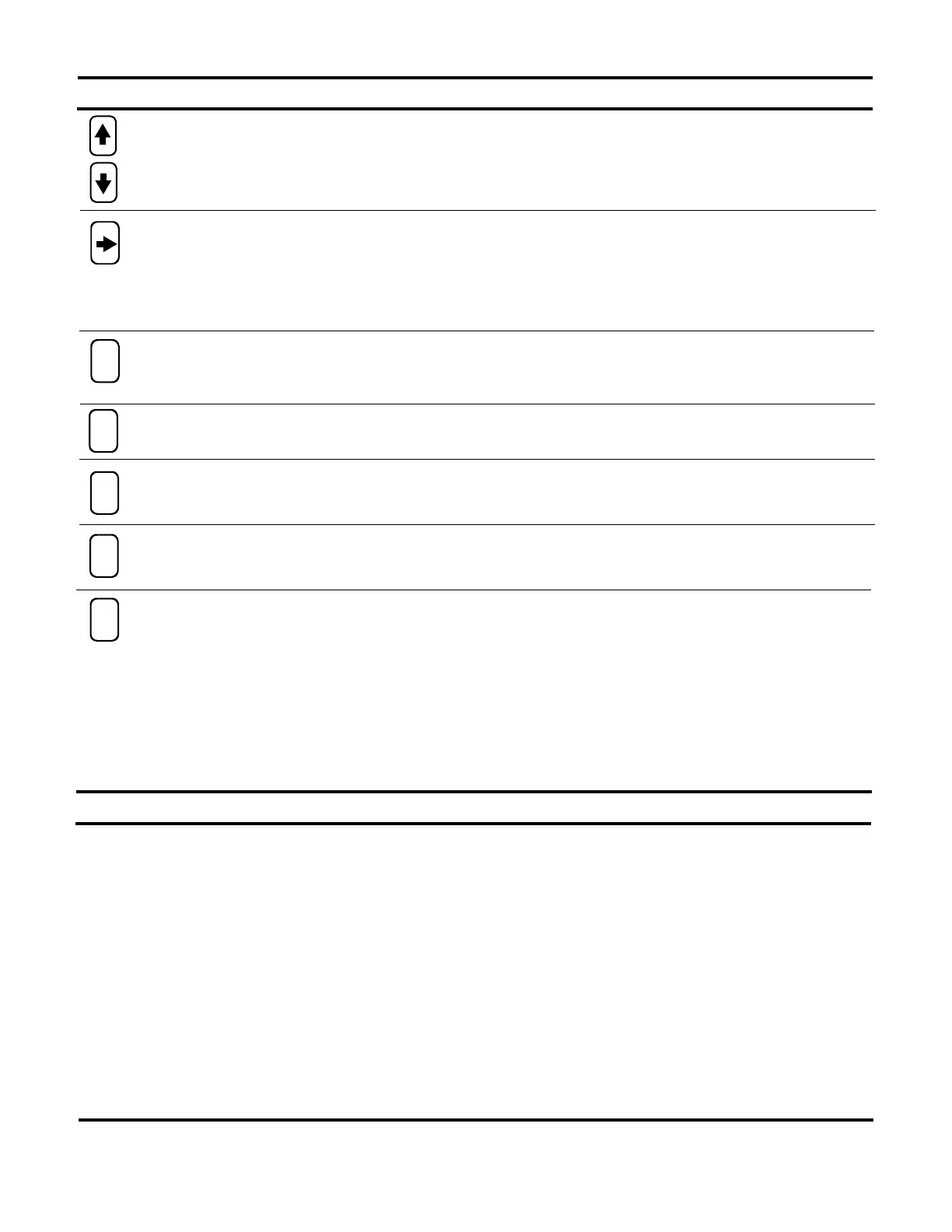
Arrow (scroll) Buttons: These buttons are used for making small changes to your settings. You can add to
a setting by pressing the up arrow or subtract with the down. If you push and hold an arrow key, the set-
ting will continue to change faster and faster.
DELAY BOX MODES
The
THUNDER
’’s PRO/FULL feature allows you to switch between two complete setting groups for the de-
lay box and throttle stop features. This enables you to program the box for your “Super” class settings in
PRO, and then program your bracket race settings in FULL. Now when you switch between classes, you
no longer need to re-program the
THUNDER
, just push and hold the PRO/FULL button to switch between
groups of settings. The red LED indicator light to the left side of the keypad will indicate which setting
group you are in. When you are in the PRO group, the PRO/FULL LED will turn on and stay on. When
you are in the FULL group, the LED will be off.
REMEMBER: It is extremely important when you change a setting that you are in the setting group
(PRO or FULL) in which you want the change to occur since each group has its own complete set
of settings.
MODE Button: This button selects which of the 4 delay box modes you wi
sh to run. They are Delay,
Crossover, Interface and Cross Talk.
Reset/Recall Button: This button is used to cancel the transbrake lockout. It also recalls information about
the run after the pass has been made.
TBRK Button: This button accesses your Delay settings. Each time you press the TBRK button, different
set-up screens come up and allow you to make changes to your Delay, Delay 2, Your ET, Their ET, Bot-
tom Delay, Cross Comp, Skip Up/Down, TB Pause, & TB Lockout settings.
Cursor Button: This button allows you to change each digit individually. This makes large number changes
much quicker than just using the scroll. When you push the cursor button the first time, a cursor appears
under the left most digit. Each press of the cursor button thereafter moves the cursor one digit to the right.
Stop the cursor under the digit you wish to change and use the arrow (scroll) buttons to change that digit
up or down. Pressing the cursor button one more time after the cursor is under the right most digit will re-
move the cursor from the screen and
return the arrow buttons to regular scrolling action.
R
S
E
T
M
O
D
E
B
A
C
K
P
/
F
T
B
R
K
Back Button: This button is used if, when stepping through the set-up screens, you accidentally pass the
screen you want. Press the Back button to move back one set-up screen.
413 W. Elm Street, Sycamore, 60178 • (866) 248-6357 • www.autometer.com • service@autometer.com


 To Next Page
 Loading...