Dedicated Micros ©2006
16
Eco
3.2105
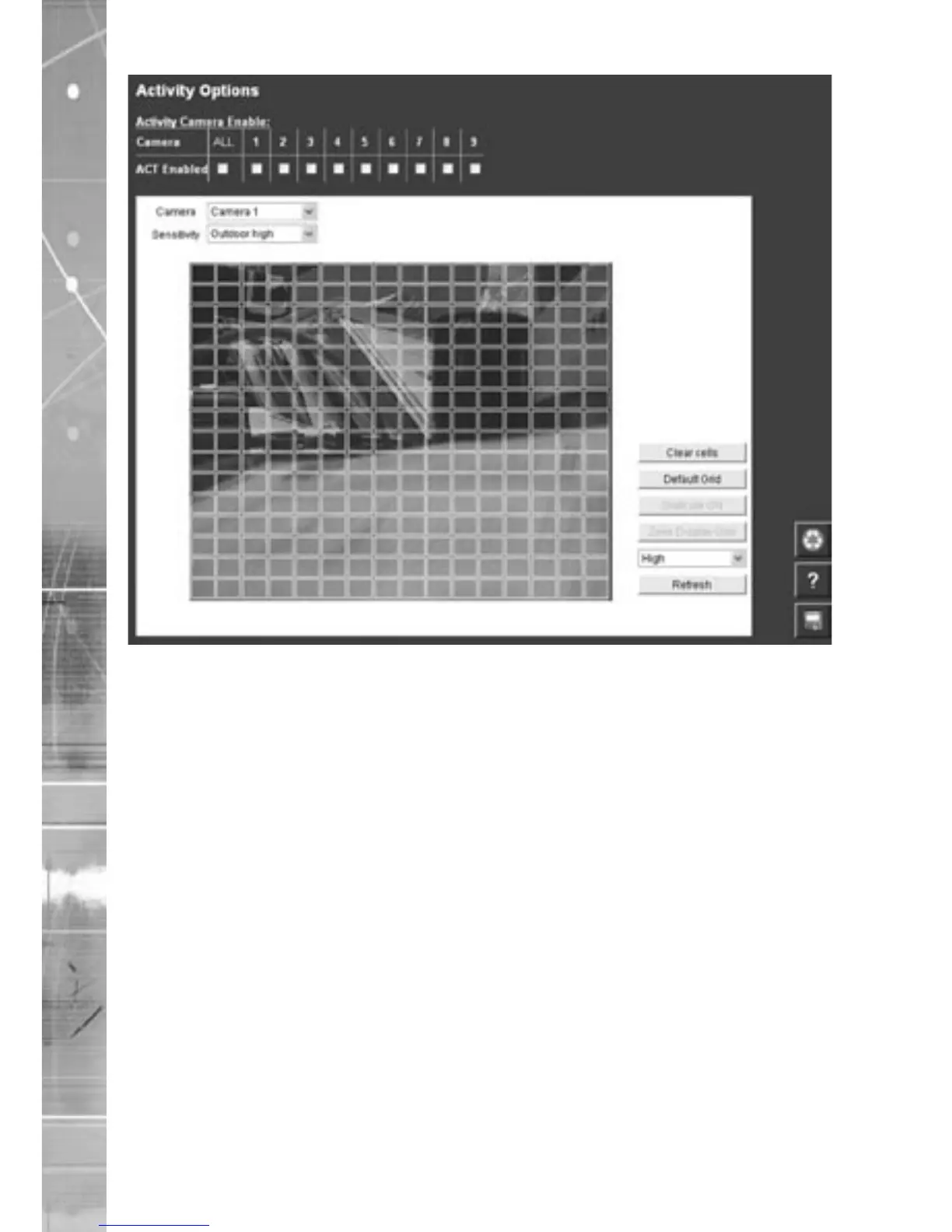
Function Description
Camera This is a drop down list of the video inputs on the unit, selecting
one of the inputs will display the corresponding video source
Clear Cells Removes all defined zones from the image
Default Grid Displays the default grid of 16x16 ACT zones over the whole
image
Sensitivity This selects which of the five levels of sensitivity will be applied
to that camera. The available settings, from highest sensitivity to
lowest are Indoor high, Indoor Low, Outdoor high, Outdoor Low
and Very Low.
Refresh This will update the reference image to the latest view during
setup



 To Next Page