Dedicated Micros ©2006
31
Eco
Appendix A
Reset using Telnet
An alternative option for resetting the unit is to connect to the unit using telnet.
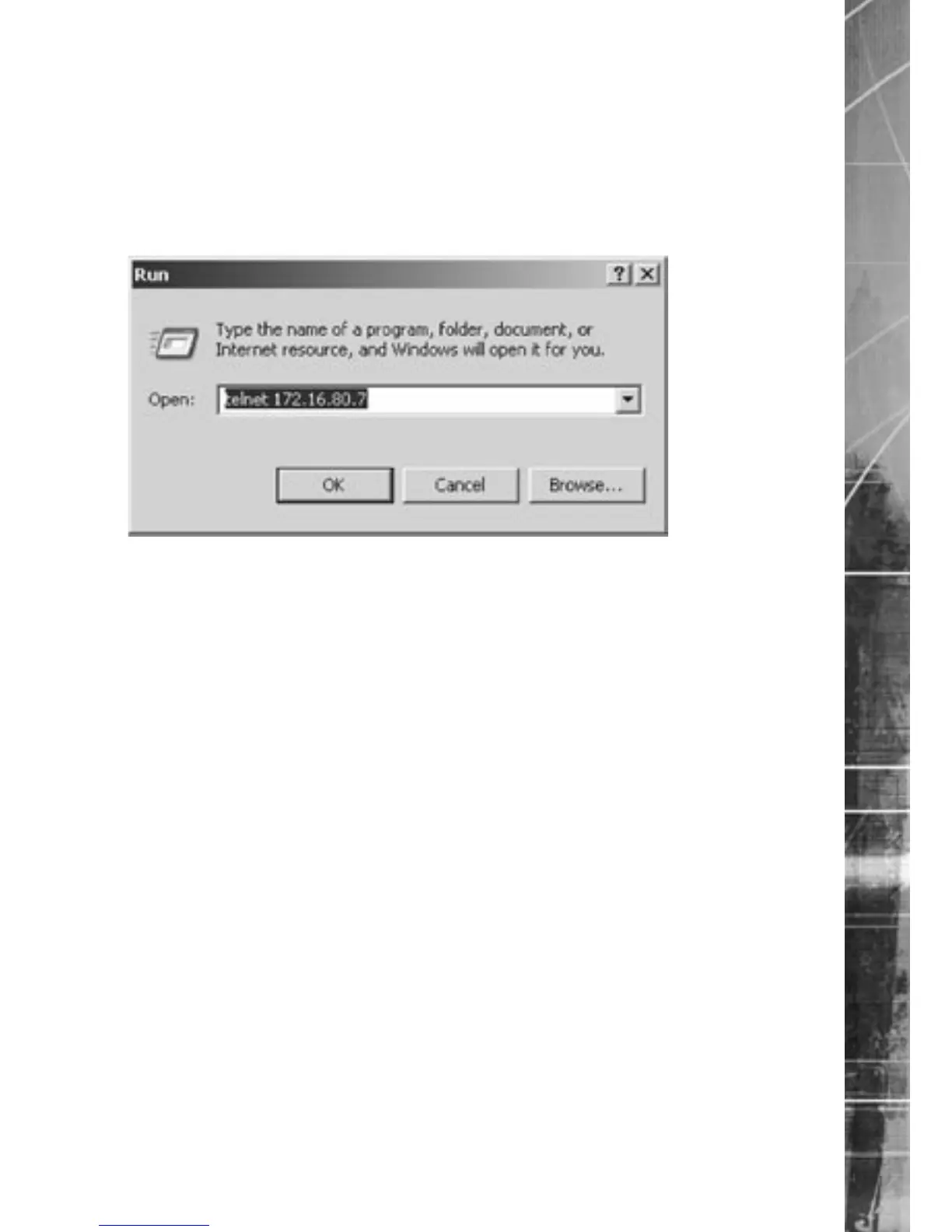
1. Go to Start -> Run.
2. Enter <telnet <IP address of Server>>
7.0002
3. You will be prompted for a username and password (default dm and telnet) and press
return.
Note: Echo is enabled on the unit for telnet.
4. Type <reset>, the unit will reset itself and will not be available for a few minutes.
8.0001



 To Next Page