4.Product Usage
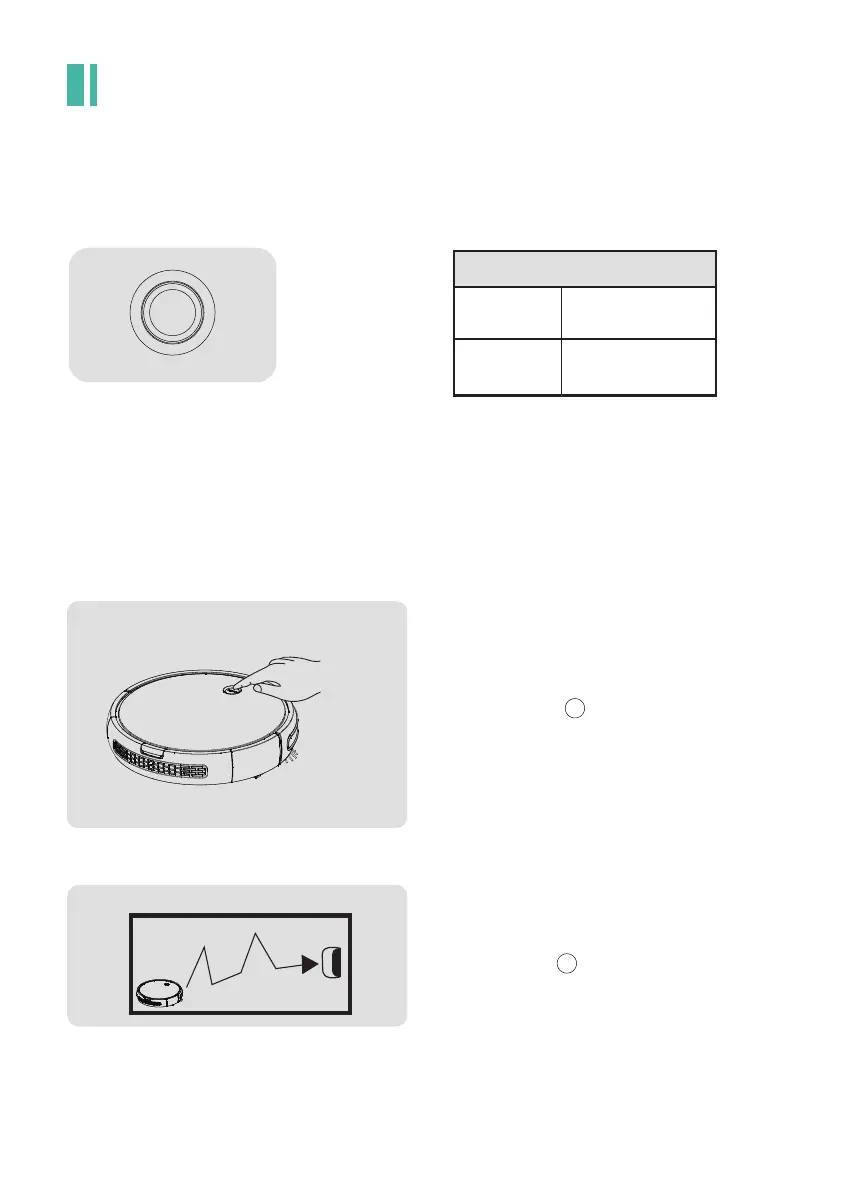
4.1.1 Introduction to Control Button
4.1.2.1 Manual Mode
4.1 Main body’s Usage
4.1.2 Work Mode
Auto Cleaning
Shortly-press the " " button ,the red indicator
will light(standby mode ).Then,click the button and the
indicator turn green,it will start cleaning automatically.
Auto Recharge
When the vacuum cleaner is in standby mode,
double click the " " button and then the indicator
turns green and blinks at the same time,which means
it enters auto-recharging mode.
CLEAN
CLEAN
Recharge Button
Turn On/off Button
In standby
Double click
Shortly press
Button Introduction
CLEAN
- 10 -



 To Next Page