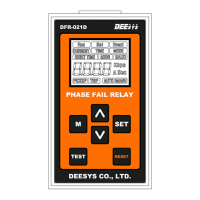
PHASE FAIL RELAY
DFR - 021D
■ Display Screen
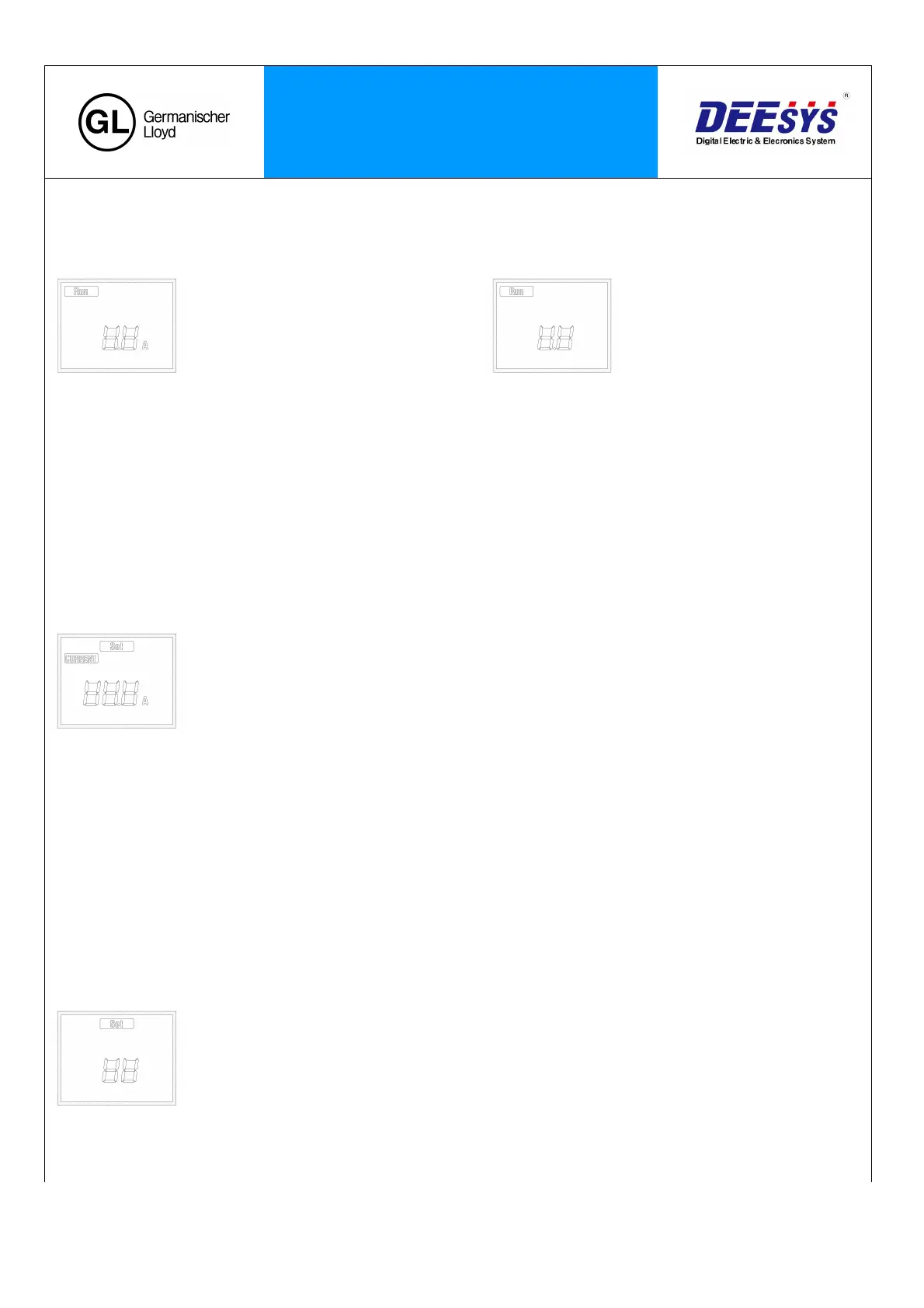
Supply the power and you will see the blinking “RUN" sing, and it shows following two screens alternately every
two seconds.
- Shows the average value of the 3 phase input current: 2
seconds
- Shows the current unbalance rate (%): 2
seconds
■ SET Menu
1. Reference Current Setting
Press ‘M’ key (Menu) to enter into the Reference Current Setting Screen. Then, the 'SET' indicator will blink.
Press the ‘SET’ key and ‘CURRENT’ will blink. Then, you can change the set values.
‘M’ key: Shift
☆ SET Range : 1.0 to 10.A (0.1 step)
‘△’ key : value increase
‘▽’ key : value decrease
‘SET’ key : value save
- The reference current is the primary MCT current. After the motor start-up, it becomes the reference value
for the stabilized operating current calculation.
2. Unbalance Rate (%) Setting
: Press the ‘▽’ key in the Reference Current Setting to enter into the Unbalance Rate Setting Screen. Then,
the ‘SET’ indicator will blink.
: Press ‘SET’ key to change the set value.
‘M’ key: Shift
☆ SET Range : 10 to 90% (1 step)
‘△’ key : value increase
‘▽’ key : value decrease
‘SET’ key: value save
- Operates if it exceeds the Unbalance Rate (%) configured based on the Reference Current.


 To Next Page
 Loading...