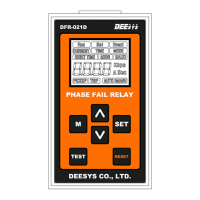
PHASE FAIL RELAY
DFR - 021D
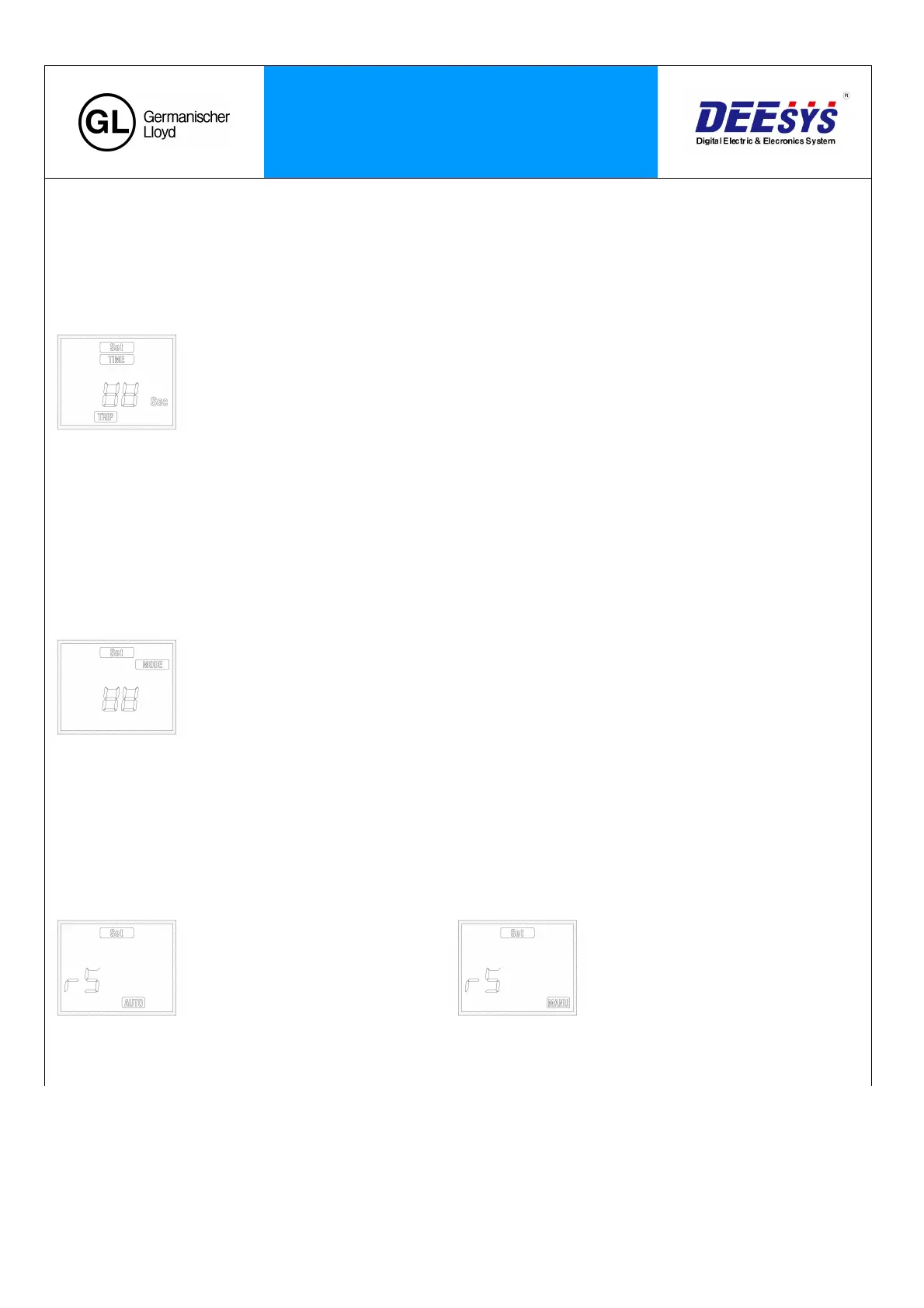
4. Alarm Operation Time Setting
: Press the ‘▽’ key in the Start-Lock Setting to enter into the Operation Time Setting Screen. Then, the ‘SET’ indicator will blink.
: The ‘TIME’ and the ‘TRIP’ will be on. Press the ‘SET’ key to change the set value.
‘M’ key: Shift
☆ SET Range : 1.0 to 60.0sec (0.5 step)
‘△’ key : value increase
‘▽’ key : value decrease
‘SET’ key : value save
- Set the Delay Time in case of Unbalance Operation.
5. CT Ratio Setting
: Press the ‘▽’ key in the Operation Time Setting to enter into the CT Ratio Setting Screen. Then, the ‘SET’ indicator will
blink.
: The ‘MODE’ will be on. Press the ‘SET’ key to change the set value.
‘M’ key : Shift
☆ SET Range : 5 to 1,000A (5 step)
‘△’ key : value increase
‘▽’ key : value decrease
‘SET’ key : value save
- Set the CT Ratio of the Motor side.
6. Alarm Reset Setting
: Press the ‘▽’ key in the CT Ratio Setting to enter into the Reset Setting Screen. Then, the ‘SET’ indicator will blink.
: The ‘AUTO’ or the ‘MANU’ will be on. Press the ‘SET’ key to change the set value.
‘M’ key : Shift
‘△’ key : value increase
‘▽’ key : value decrease
‘SET’ key : value save
- When disabling the Alarm, you can select the automatic return or the manual return by pressing ‘Reset’ key.


 To Next Page
 Loading...