14
DAC-515E-EN-BF
7 Using the Remote Control with Multiple
Trainer AEDs
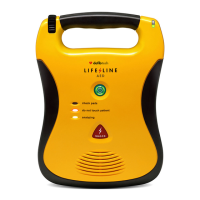
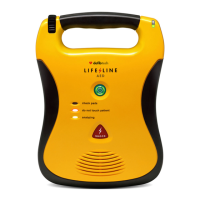
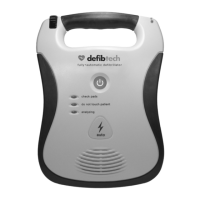
The Remote Control can be used to individually control up to four Trainer AEDs
at a time in a classroom setting.
To control each of the four Trainer AEDs individually, each Trainer AED must be
assigned a unique letter “name.” The Remote Control has four keys (A through
D) which are used to program the Trainer AEDs with this name.
These keys may then be used as a prefix to any of the commands described
in the previous section (e.g. pressing A, then NSR causes Trainer AED ‘A’ to
simulate a normal sinus rhythm, pressing D, then PAUSE will cause Trainer AED
‘D’ to suspend operation).
Note: To simultaneously control multiple Trainer AEDs after they have been
assigned unique names, the instructor may use the Remote Control key
sequence SHIFT-ALT-‘Key’ (where ‘Key’ is the desired control command).
All Trainer AEDs within range will respond to this sequence regardless of
name assignment.
7.1 Assigning Unique Names to Trainer AEDs
To program up to four Trainer AEDs with unique names, use the following
procedure:
1. Start with all of the Trainer AEDs off.
2. Power on the Trainer AED that is to be programmed.
3. Press and release the Shift Key on the Remote Control.
4. Press and release the Alt Key on the Remote Control.
5. Press one of the four alphabetically labeled keys on the Remote Control
(A to D) to set the Trainer AED’s “name.”
7.2 Removing Unique Names from Trainer AEDs
To remove the programmed name from a Trainer AED, use the following
procedure:
1. Start with all of the Trainer AEDs off.
2. Power on the Trainer AED with the name assignment that is to be
removed.
3. Press and release the Shift Key on the Remote Control.
4. Press and release the Alt Key on the Remote Control.
5. Press the Off Key on the Remote Control.
Note: To avoid accidental naming or re-naming of Trainer AEDs in a setting
where all Trainer AEDs may not be turned off, it is recommended that the above
setup procedures be performed on each Trainer AED in a separate room.



 To Next Page