PAGE 12 OF 24
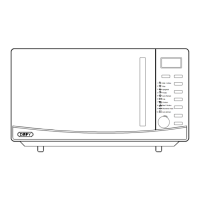
DISPLAY
Cooking time, power, indicators and clock time are
displayed.
AUTO COOK MENUS
Instant settings for cooking popular foods.
NUMBER PADS (0-9)
Use to adjust power level, set the time or food weight.
CLOCK
Use to set the clock time.
POWER LEVEL
Use to select the microwave power level.
TIME COOK
Use to set timed microwave cooking.
KITCHEN TIMER
Press to set the oven timer. The kitchen timer
functions independently, even while a cooking
program is in progress.
TIME DEFROST
Use to set a timed defrost program.
WEIGHT DEFROST
Use to set defrost program based on food weight.
STOP/CANCEL
Press to clear entry before setting a cooking program.
Press once to temporarily stop the cooking process or
twice to cancel cooking.
START
Press to start a cooking program
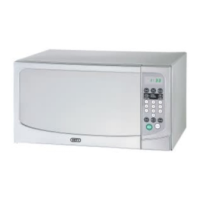
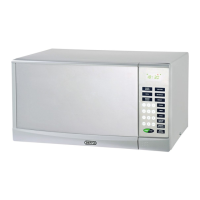
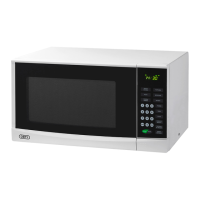
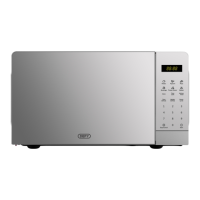
The control panel


 To Next Page