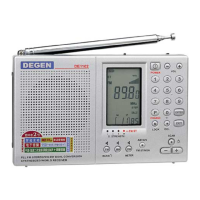
FM MW SW
BAND
8
ÊÖ¶¯ËÑË÷
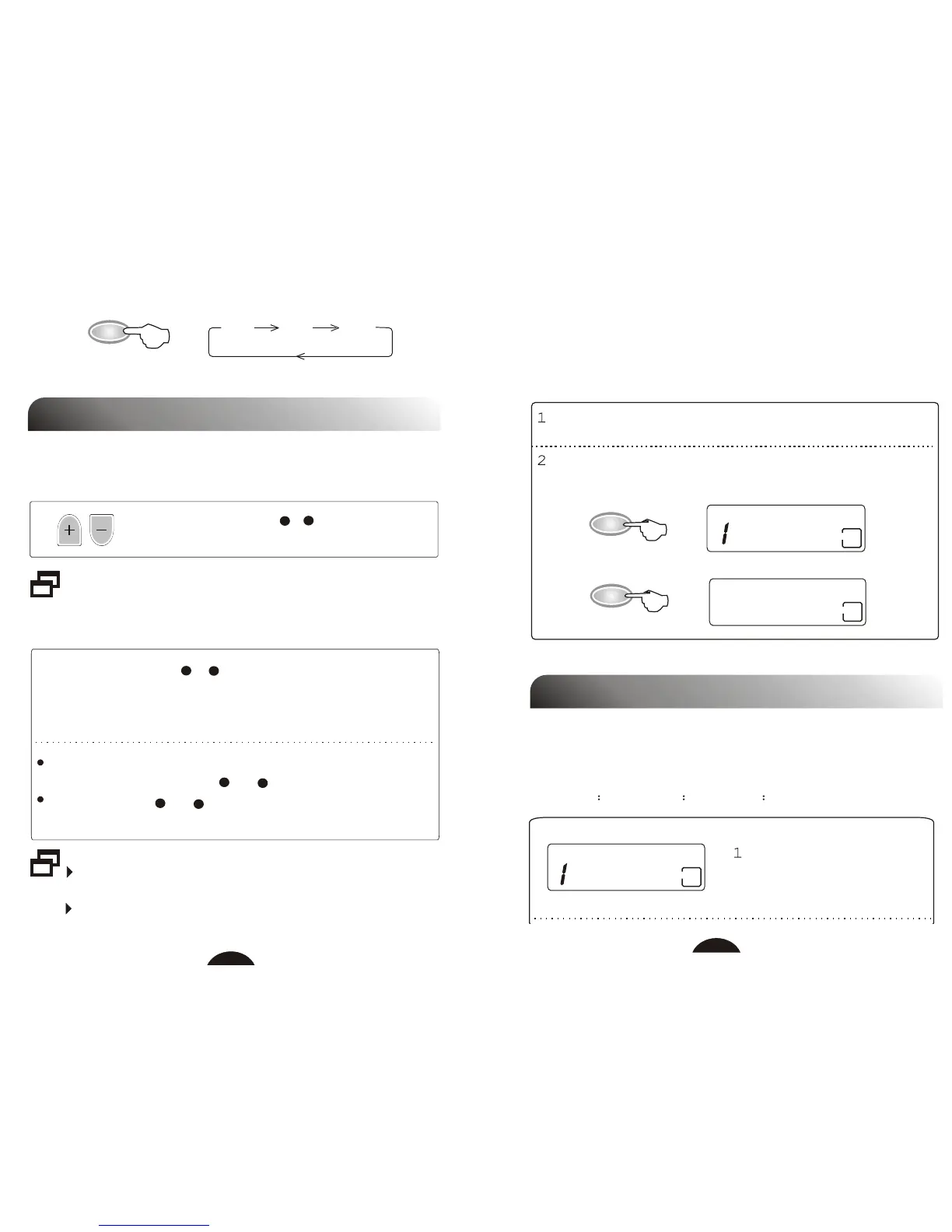
TUNING IN TO A STATION
1. Manual Tuning
Press SCAN button(+ /- ) to tune into a clear
reception.
Manual tuning is more suitable for weak signal broadcasting.
3
3
3
3
2
2
2
2
×Ô¶¯ËÑË÷
2. Seek Tuning
Keep SCAN button (+ / - ) pressed until frequency indicator
changes, the unit starts to tune in to the stations automatically.
When a station is tuned in, scanning stops and the tuned station is
heard.
Seek tuning is more suitable for strong signal broadcast,
it may not stop if broadcast signals are weak.
If tuning become slowly in a frequency range, try manual
tuning to see if there are some weak stations.
If there is a station you wish to skip during scanning, press
and hold SCAN button(+ or- ) to skip this station.
Press SCAN (+ or- ) button while seek tuning, scanning
will stop immediately.
04.7
FM
MHz
CH
6
88.8
FM
MHz
CH
5
M+
M-
9
Press BAND to select the desired band.
Press memory button (M+ / M-) to tune in to the preset station.
The frequency and preset number show in the display.
There are 30 memories, 10 each assigned to FM, MW, SW with
preset number 0...9.
(Refer to page 9 for information on presetting stations.)
¼ÇÒäµç̨
3. Listening to Preset Stations
PRESETTING STATIONS
FM 0-9 + MW 0-9 + SW 0-9 = 30 Presets
You can preset up to 10 stations under each preset number (0-9)
on each band (FM, MW, SW):
Tune in to a desired station
with manual tuning, seek
tuning or direct entry.
04.7
FM
MHz



 To Next Page