2
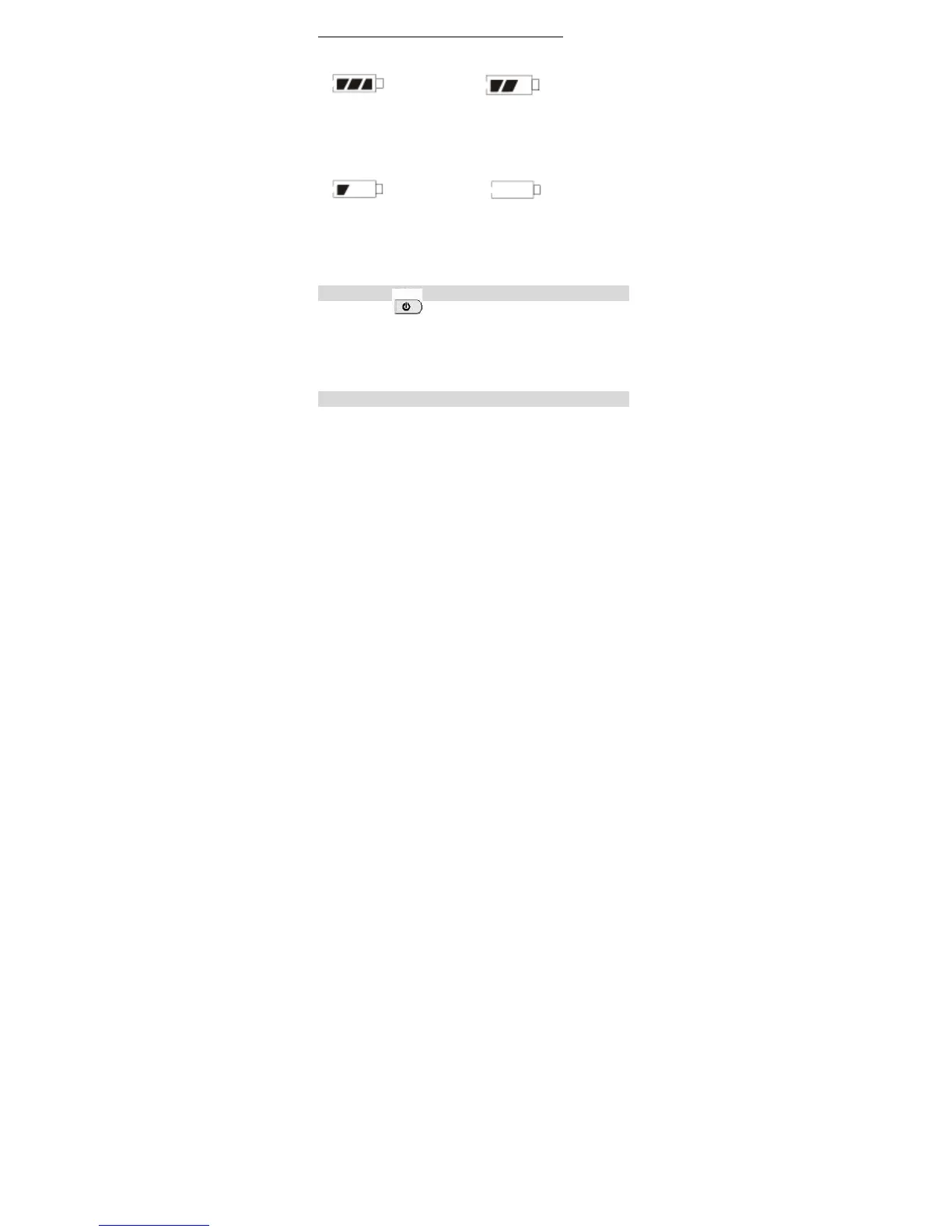
BATTERY CONSUMPTION INDICATION
1. Full 2. Medium
3. Low 4. Exhausted
Require to charge The unit will turn off
the battery. automatically
Note: Please fully charge and drain the battery for the first
three times in order to extend the battery's life.
HOW TO TURN ON/OFF THE UNIT
Press the [ ] button to turn on the unit; press it
again to turn it off.
BACK STAND
Open the stand on the rear of the unit to make the unit stand
upright on the desk.


 To Next Page