-5-
Functions and Operations
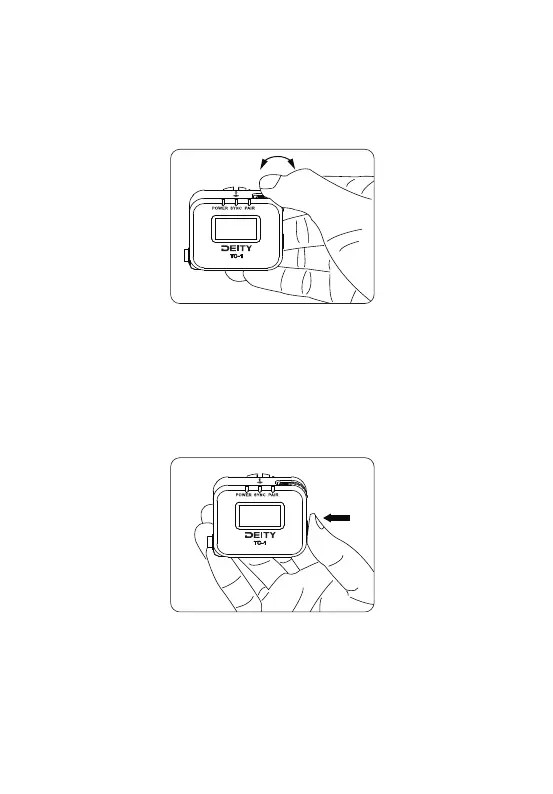
1. Function Control Wheel
Rotate the wheel back and forth to select various options and short-press the
function control wheel to enter the selected highlighted item.
2. MENU/BACK button
Long-press the MENU/BACK button to turn the TC-1 on. Long-press it again and a
pop-up window appears to let you select to turn off the TC-1 or not. It also
functions as a "back" button while navigating the various menus and setup screens
to return to the previous screen or menu item. Short-press the MENU/BACK button
3 times can Lock or unlock the screen.
3. Removable Cold Shoe Mount with Soft Hook-N-Loop
The TC-1 can be attached to a camera or similar device with the included cold shoe
mount or installed in a sound bag or other audio device using the backing
hook-n-loop directly.



 To Next Page