Dejavoo Systems Instruction Manual V525.15 33
DEBIT W/TIP - SALE
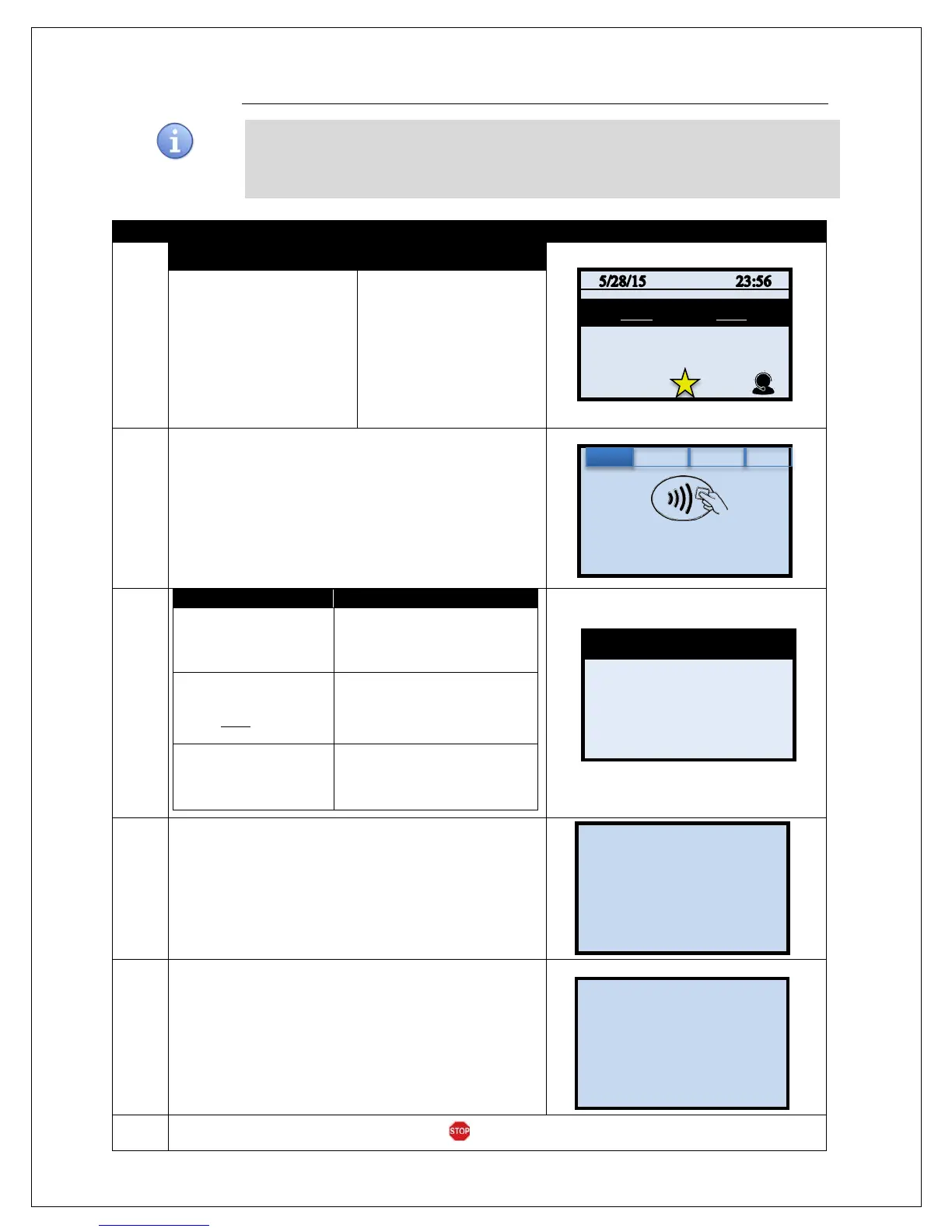
Use the chart below to process a retail with tip Debit Card sale. It is important to note that for
security and regulations manually entering a debit card is not allowed, debit cards must
always be swiped at the point of sale. For a successful transaction you must be a debit card
1.
NON TOUCH SCREEN
TOUCH SCREEN
Press the down arrow
button to change the
payment type to DEBIT
Input the SALE AMOUNT
and press OK
Use your fingertip to Tap
the word CREDIT then
Tap the word DEBIT in
the menu list.
Input SALE AMOUNT
and press OK
2.
Swipe or Insert Debit Card.
3.
Presale Ticket was
used
Input the tip amount from the
presale ticket then Press OK.
Presale Ticket was
NOT used
Input the tip amount
requested by customer then
Press OK.
No tip is being left on
the card
Press OK to bypass the tip
amount.
4.
Customer Inputs PIN on Encrypted terminal PIN Pad or
Encrypted External PIN Pad and presses OK.
5.
The terminal flashes the host response and prints
sales receipt.
6.
The terminal returns to the idle prompt.
CARD MODE
ENTER PIN
Enter Amount
0.00
Enter Card #
Sale: $5.00


 To Next Page
 Loading...










