Dejavoo Systems Instruction Manual V525.15 34
RETURNS
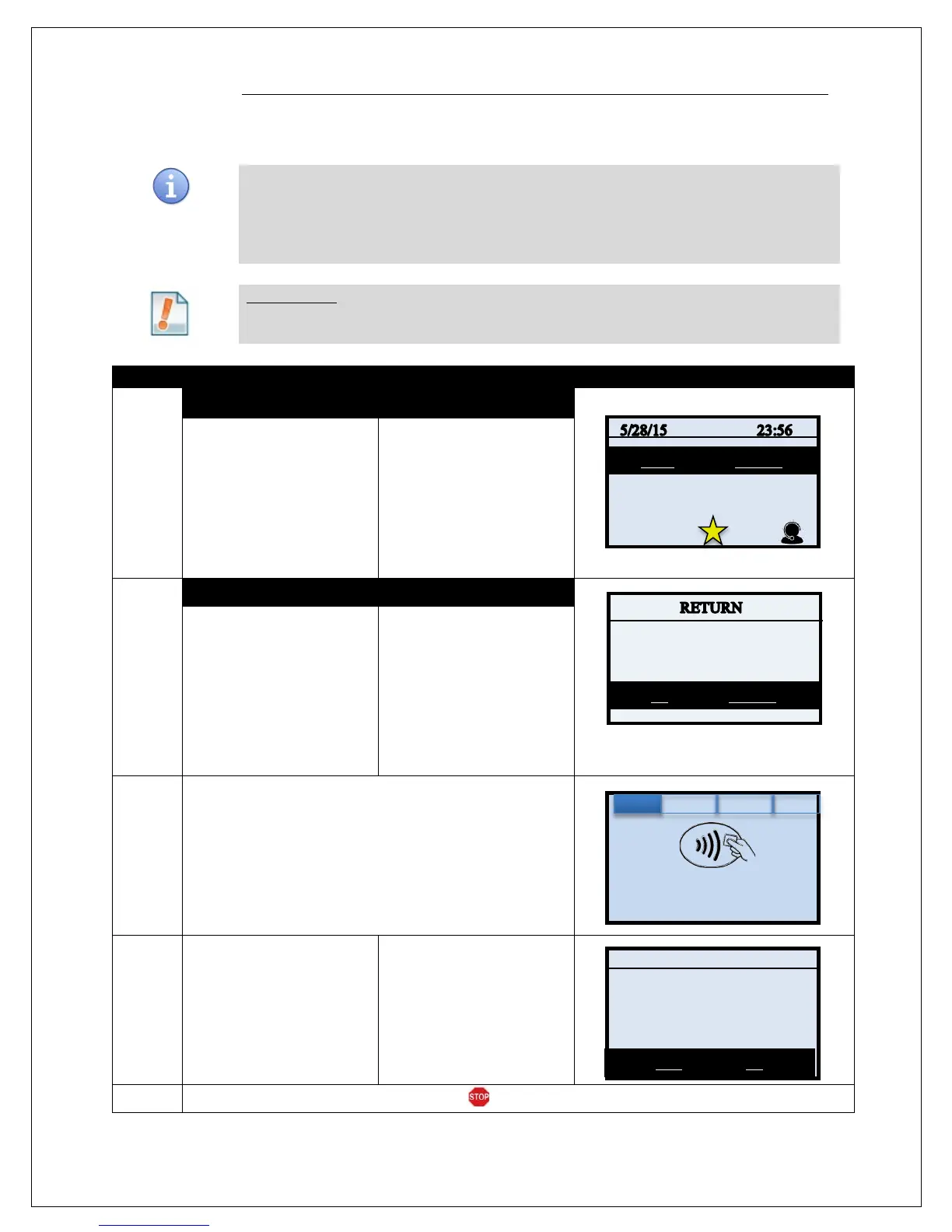
CREDIT CARD RETURN – EMV CHIP CARD
A Credit Card RETURN is the reversal of an approved and settled transaction which will post
a credit amount to the customer’s credit card. Traditionally a RETURN is processed when the
original transaction has already been settled, when the original transaction still resides in the
current batch and has not been settled, a VOID may be processed instead to nullify the
charge. Use the steps below to complete a RETURN transaction.
For Example: The customer made a purchase last week and came in today to return the
item for credit. The original purchase has already been settled in a previous
batch so I processed a RETURN to post the refund back to her credit card.
1.
NON TOUCH SCREEN TOUCH SCREEN
Press the Yellow backspace
key, highlight RETURN and
press OK.
Input the RETURN amount
and press OK
Using your fingertip Tap the
word Sale on the display
then tap the word RETURN
in the list of options.
Input RETURN Amount and
Press OK
2.
NON TOUCH SCREEN
TOUCH SCREEN
If the amount shown is
correct press the F2 Key
to confirm
if it is not correct press the
F4 Key and re-enter the
amount.
* If prompted input password,
default is 1234
If the amount shown is
correct use your fingertip
to tap OK to confirm,
if it is not correct use your
fingertip to tap CANCEL
and re-enter the amount
* If prompted input password,
default is 1234
3.
Tap (contactless only), Insert, Swipe or Manually Enter
Card Number
4.
Press YES to confirm
Return amount
Press F2 for YES to
confirm Return amount
•
5.
The terminal returns to the idle prompt.
Amount: $-5.00
Enter Card #
Sale: $5.00
Return
MASTERCARD
Total: $5.00?


 To Next Page
 Loading...










