Dejavoo Systems Instruction Manual V525.15 82
Batch Settings (FOR ALL APPLICATIONS)
Use the chart below to designate automatic batch options for all terminal applications. (i.e.:
Credit, Debit, Gift Card, Check, Loyalty, etc.) Configure settings for transaction settlement to
be one of the following options:
(1) Automatically dial to each applications host for settlement at a specified time.
(2) Automatically settle without communicating and dialing to any of the terminals host.
(3) Disable automatic batching for all applications by turning the option completely off.
Note: When disabling automatic batch it is important to note that the merchant will need
to manually batch his/her transactions (see page 89)
1. The merchant wants the terminal to dial out at 3:00am and send all open batches to the
corresponding host processors for settlement. He/she selects the option for Automatic
DIAL.
2. The merchant wants the terminal to purge all open batches and print out a batch report
because all host processors are
settling the batch without terminal communication,
He/she selects the option for Automatic NO DIAL.
3. The merchant wants to manually initiate the batch settlement process for all applications
and does not want the terminal to settle at any time or with any host automatically.
He/she selects the OFF option.
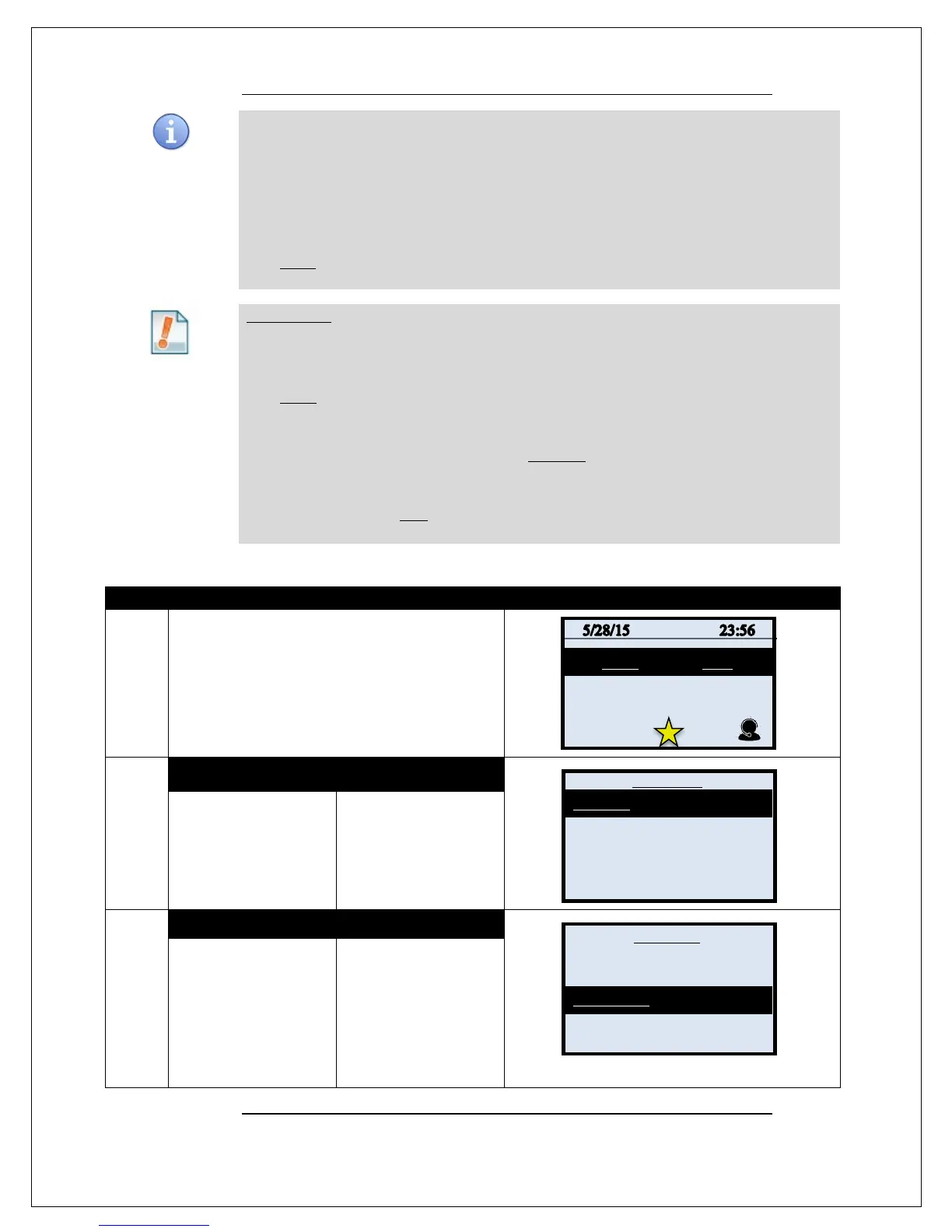
1.
From the idle prompt press the OK key to access
the Core Menu.
2.
NON TOUCH SCREEN TOUCH SCREEN
Press OK for
SETTLEMENT
Using your fingertip
TAP the word
SETTLEMENT
3.
NON TOUCH SCREEN TOUCH SCREEN
Press the down arrow
and highlight the words
BATCH SETTINGS
and press OK.
* If prompted input
password, default is 1234
Using your fingertip
TAP the words BATCH
SETTINGS
* If prompted input
password, default is 1234
Continued on next page
Settlement ->
Reports ->
Favorites ->
Utility ->
Retrieve Password ->



 To Next Page