Dejavoo Systems Instruction Manual V525.15 31
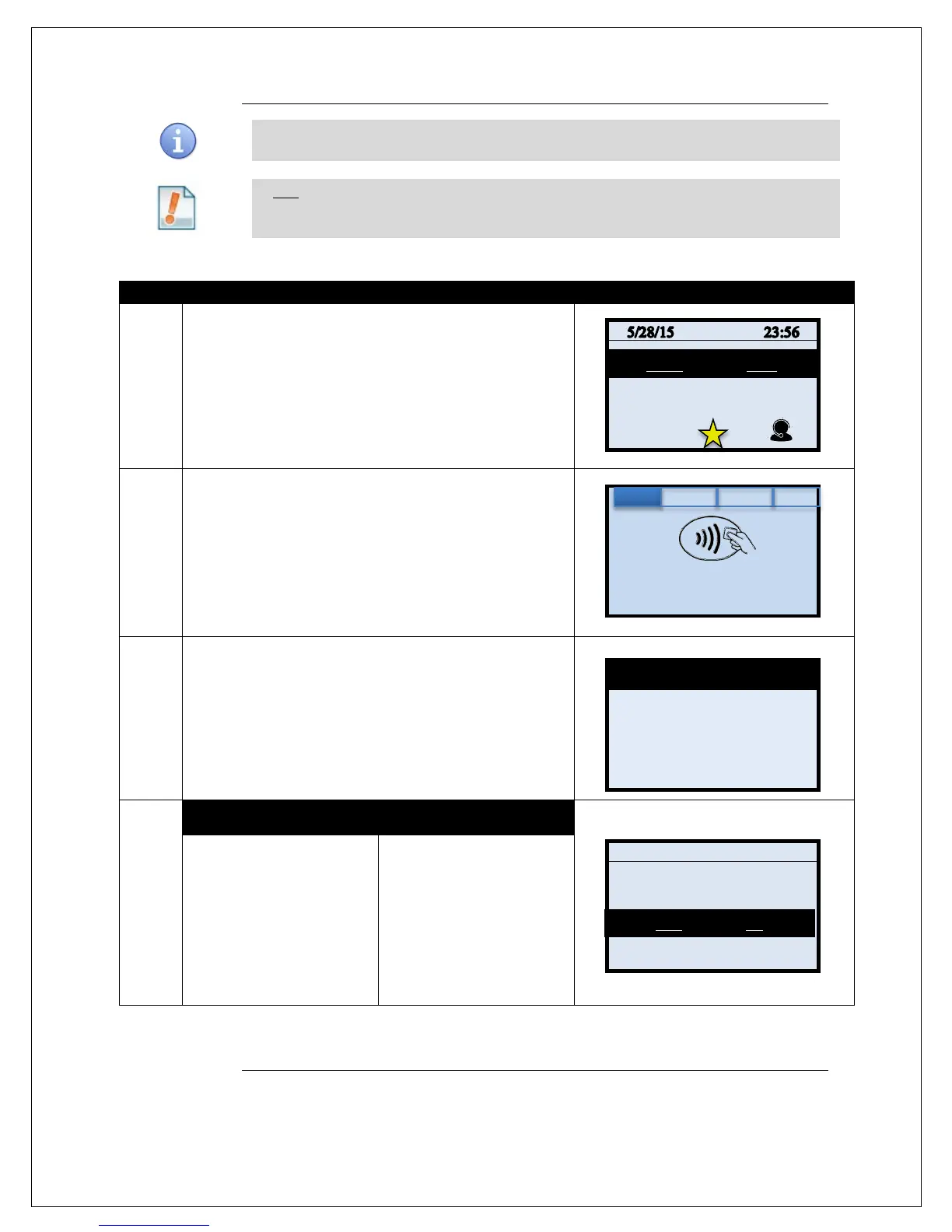
CREDIT W/TIP – MANUALLY ENTERED
Use the chart below to process a credit Retail with Tip sale when the credit card number
and expiration date are manually entered at the point of sale using the terminal’s key pad.
Tip: It is always a best practice to swipe the credit card through the terminals card
reader. Manual entry of a card number should be done only when necessary.
1.
Input the SALE AMOUNT and press OK
2.
Manually Enter Card Number
3.
Terminal Displays “EXP DATE [MMYY]” Input the expiration
date from the front of the card and
Press OK
4.
NON TOUCH SCREEN TOUCH SCREEN
Press F2 to indicate YES if
card is present or
Press F4 to indicate NO if
card is not present.
*Note: If Card is not present
follow the prompts to enter
AVS and Card Code security
Use your fingertip to tap
YES if card is present or
User your fingertip to tap NO
if card is not present.
*Note: If Card is not present
follow the prompts to enter
AVS and Card Code security
Continued on next page
00/00
Enter Card #
Sale: $5.00



 To Next Page