Dejavoo Systems Instruction Manual V525.15 43
CASH RETURN
Use the chart below to record a cash Return in your Dejavoo payment terminal. It is important
to note that
cash transactions do not communicate with your processing bank. They are
recorded in your terminal for your reporting purposes.
1.
NON TOUCH SCREEN
TOUCH SCREEN
Press the down arrow
button to change the
payment type to CASH
Press the Yellow
Backspace key, highlight
RETURN and press OK
Input the RETURN
AMOUNT and press OK
Use your fingertip to Tap
the word CREDIT then
Tap the word CASH in
the menu list.
Use your fingertip to Tap
the word SALE then Tap
the word RETURN
and press OK
2.
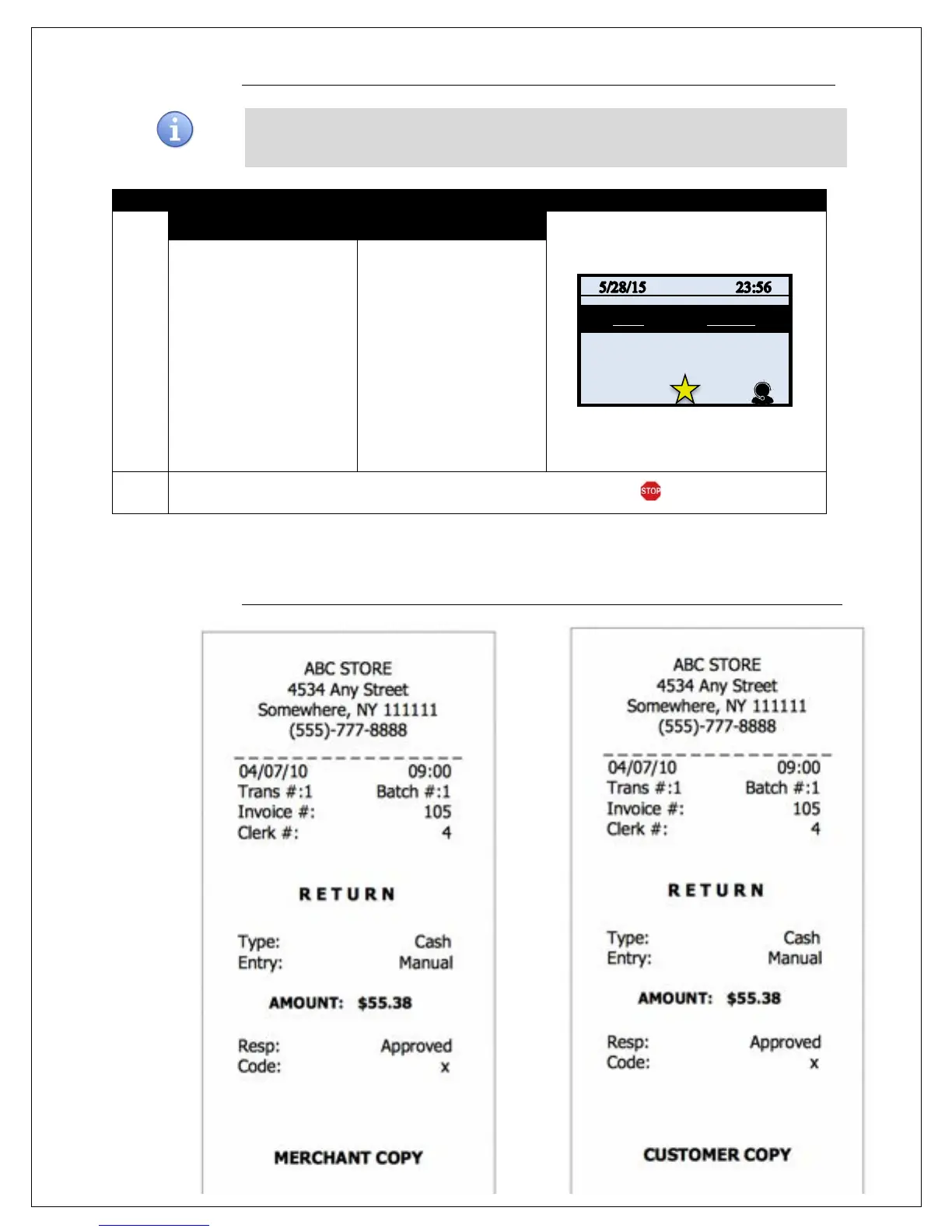
The terminal prints the cash receipts and returns to the idle prompt.
RECEIPT EXAMPLE – CASH RETURN
MERCHANT COPY CUSTOMER COPY


 To Next Page
 Loading...










