Dejavoo Systems Instruction Manual V525.15 80
COMMUNICATION SETTINGS (ETHERNET), CONTINUED
6.
For
NON
TOUCH
TOUCH
SCREEN
Mode
Press OK &
go to step 7
Tap the word
MODE & go
to step 7
Set Up Static IP
Press
#arrow to
highlight
Static Parms
& Press OK.
Skip to step
10
TAP The
words Static
Parms and
Skip to Step
10
7.
If
NON TOUCH
SCREEN
TOUCH
SCREEN
DHCP
Press OK Tap DHCP
Static
Press #arrow
to highlight
STATIC &
Press OK.
Proceed to
step 8
Tap the word
STATIC and
proceed to step
8
Note: The Ethernet Mode option that is currently
set for the Modem Communication will be marked
with an asterisk (*).
8.
NON TOUCH SCREEN
Press F2 for YES or
Press F4 for NO
Using your fingertip
TAP the word YES or
the word NO.
9.
NON TOUCH SCREEN TOUCH SCREEN
Use the up and down
arrow keys to highlight
the desired option and
press OK.
Note: Repeat to configure
each IP Parameter setting
Using your fingertip
TAP the desired
configuration option.
Note: Repeat to configure
each IP Parameter setting
10.
Terminal returns to the Ethernet communications menu.
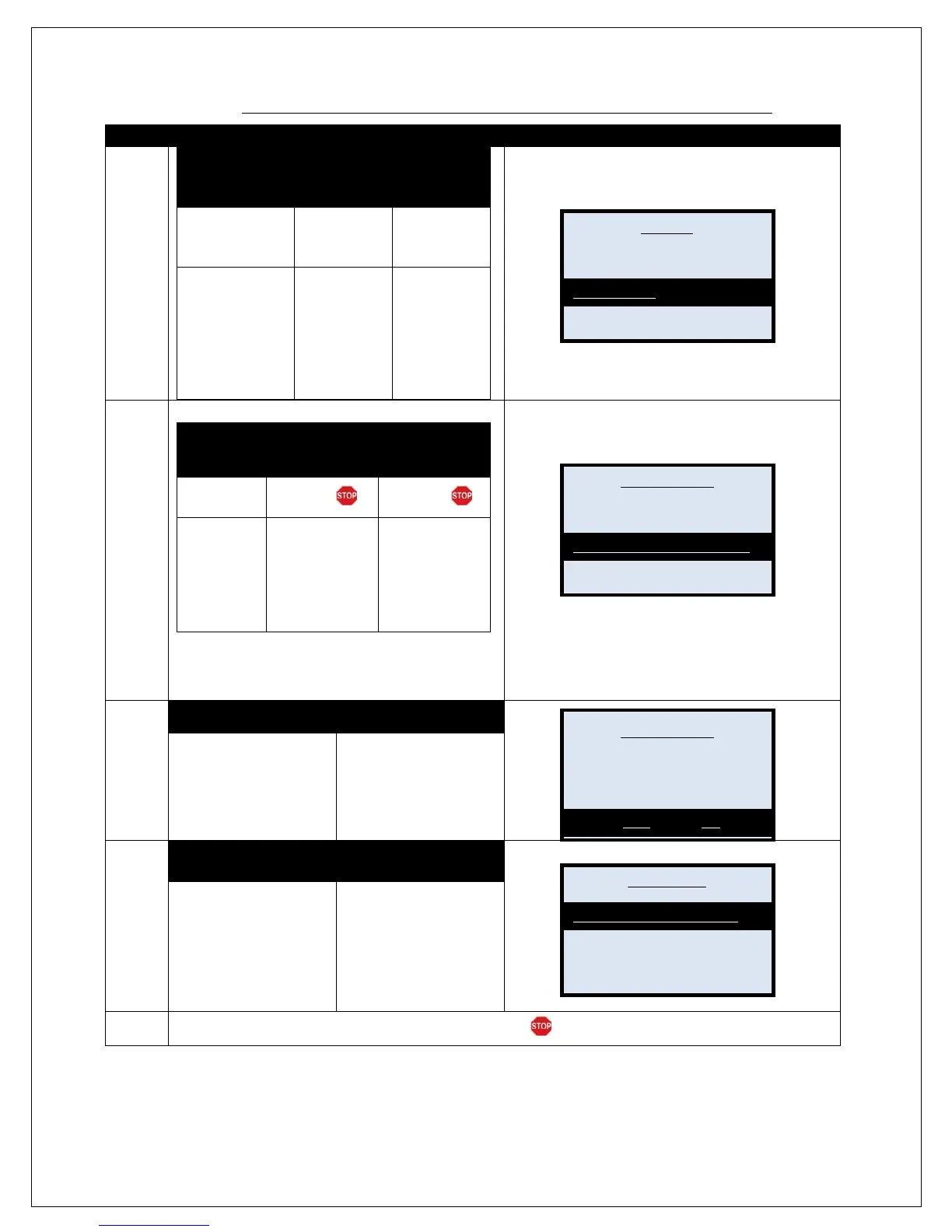
Mode
* DHCP
Would you like to change
Ethernet mode from DHCP to
Static?
IP
Netmask
Gateway
DNS1



 To Next Page