Dejavoo Systems Instruction Manual V525.15 79
COMMUNICATION SETTINGS (ETHERNET)
The following options enable edits to the following Ethernet communication parameters:
DHCP or Static IP Communication Parameters
The definition of each Ethernet communication parameter is as follows:
Mode Configures the choice of DHCP or Static IP for Ethernet communication.
Set Up Sets up Static IP parameters for Ethernet communication.
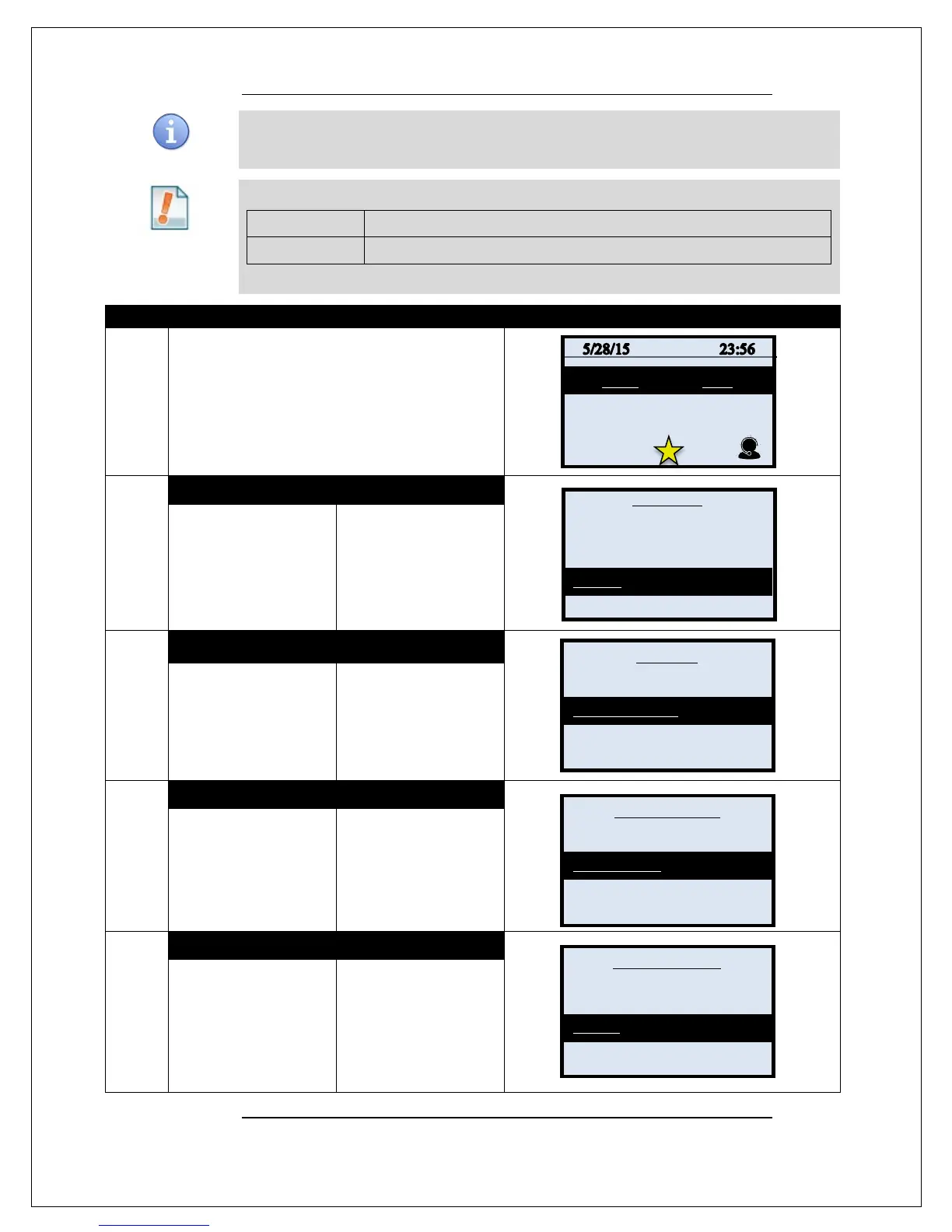
Use the steps below to edit the terminals global communication settings from the Core Menu:
1.
From the idle prompt press the OK key to access
the Core Menu.
2.
NON TOUCH SCREEN
TOUCH SCREEN
Using the down arrow
key highlight the word
UTILITY and press OK
* If prompted input
password, default is 1234
Using your fingertip
TAP the word UTILITY
* If prompted input
password, default is 1234
3.
NON TOUCH SCREEN TOUCH SCREEN
Using the down arrow
key highlight the word
COMMUNICATIONS
and press OK
TAP the word
COMMUNICATIONS
4.
NON TOUCH SCREEN
TOUCH SCREEN
Use the #down arrow
key to highlight LOCAL
PARAMS and press
OK
Using your fingertip
TAP the words LOCAL
PARAMS
5.
NON TOUCH SCREEN
TOUCH SCREEN
Use the #down arrow
key to highlight
ETHERNET and press
OK
Using your fingertip
TAP the words
ETHERNET
Continued on next page
Settlement ->
Reports ->
Favorites ->
Utility ->
Settings _>
Software Downalod ->
Favorites ->
Security ->
Modem
Print Details
Mom’s Bday
Remote Parms ->



 To Next Page