Dejavoo Systems Instruction Manual V525.15 78
COMMUNICATION SETTINGS (MODEM), CONTINUED
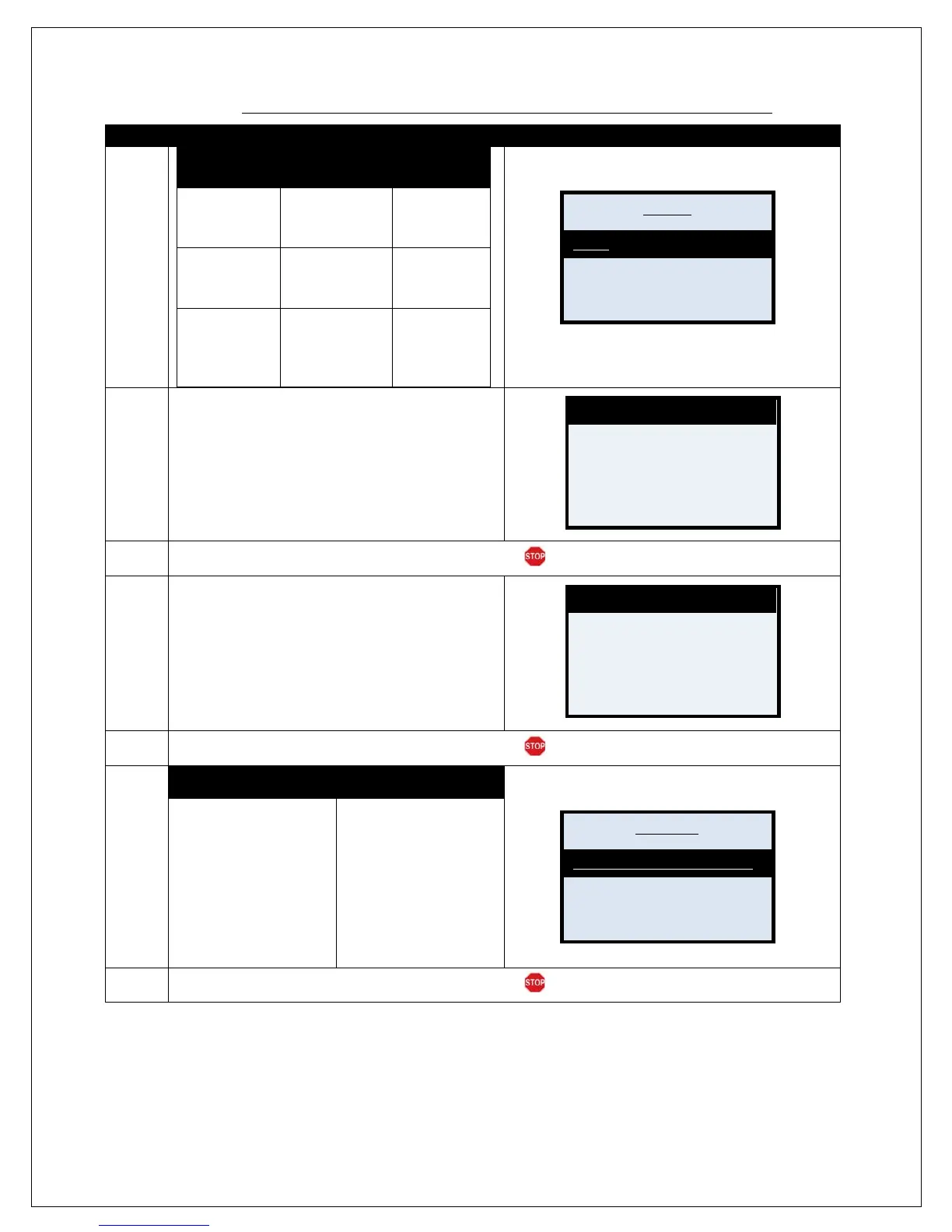
6.
For NON Touch
Sceen
Touch
Screen
Dialing Prefix
Press OK & go
to step 7
Tap Finger on
Prefix & go to
step 7
Dialing Suffix
Press #arrow
1X & Press OK.
Skip to step 9
Tap Finger on
Suffix & skip
to step 9
Dial Type
Press #arrow
2X’s & Press
OK. Skip to
step 11
Tap Finger on
Prefix & skip
to step 11
7.
Using the keypad input the desired dialing prefix
and press OK
8.
Terminal returns to the modem communications menu.
9.
Using the keypad input the desired dialing suffix.
Press the Green OK button to confirm.
10.
Terminal returns to the modem communications menu.
11.
NON TOUCH SCREEN
Use the "
#down arrow keys to
highlight desired option
and press OK.
Note: The Dial Type option
that is currently set for the
Modem Communication will
be marked with an asterisk
TAP the desired option.
Note: The Dial Type option
that is currently set for the
Modem Communication will
be marked with an asterisk
(*).
12.
Terminal returns to the modem communications menu.
Suffix
Dial Type
Enter Prefix #
# #
Enter Suffix #
# #
Pulse



 To Next Page