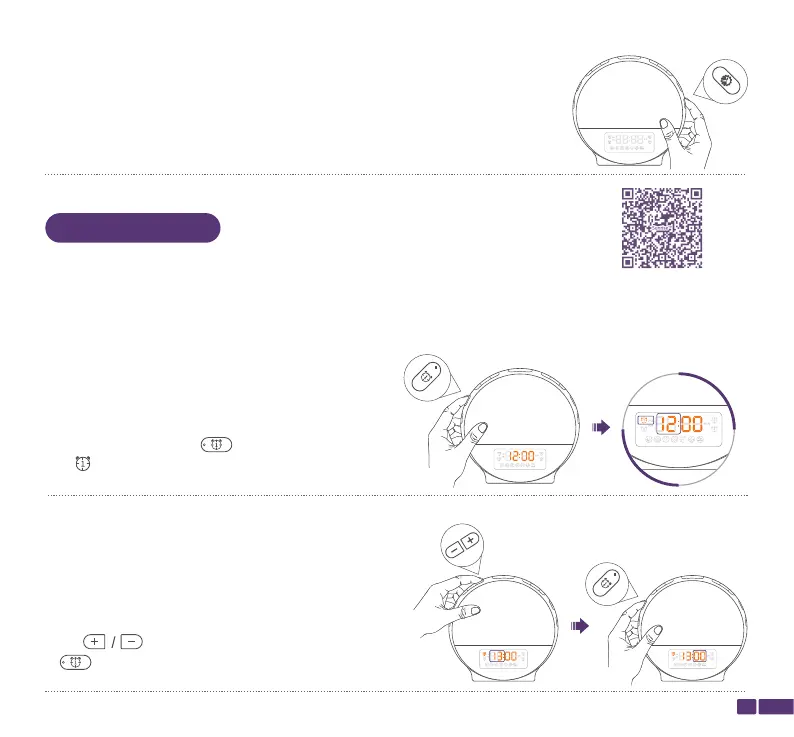
Step 1:
Press and hold Alarm 1/ for 2 seconds until the
icon and the Hour start flashing on the LED display.
Step 2:
Press to change the Hour, then press Alarm
1/ to confirm and switch to adjust "Minute".
07
Alarm 1
Alarm 1
Setting
OFF means turning off the LED display.
You could set Alarm 1 and Alarm 2 with the wake-up light.
We will take setting Alarm 1 as an example to guide you how to set an alarm.
Watch Instruction Video
Alarms Setting


 To Next Page