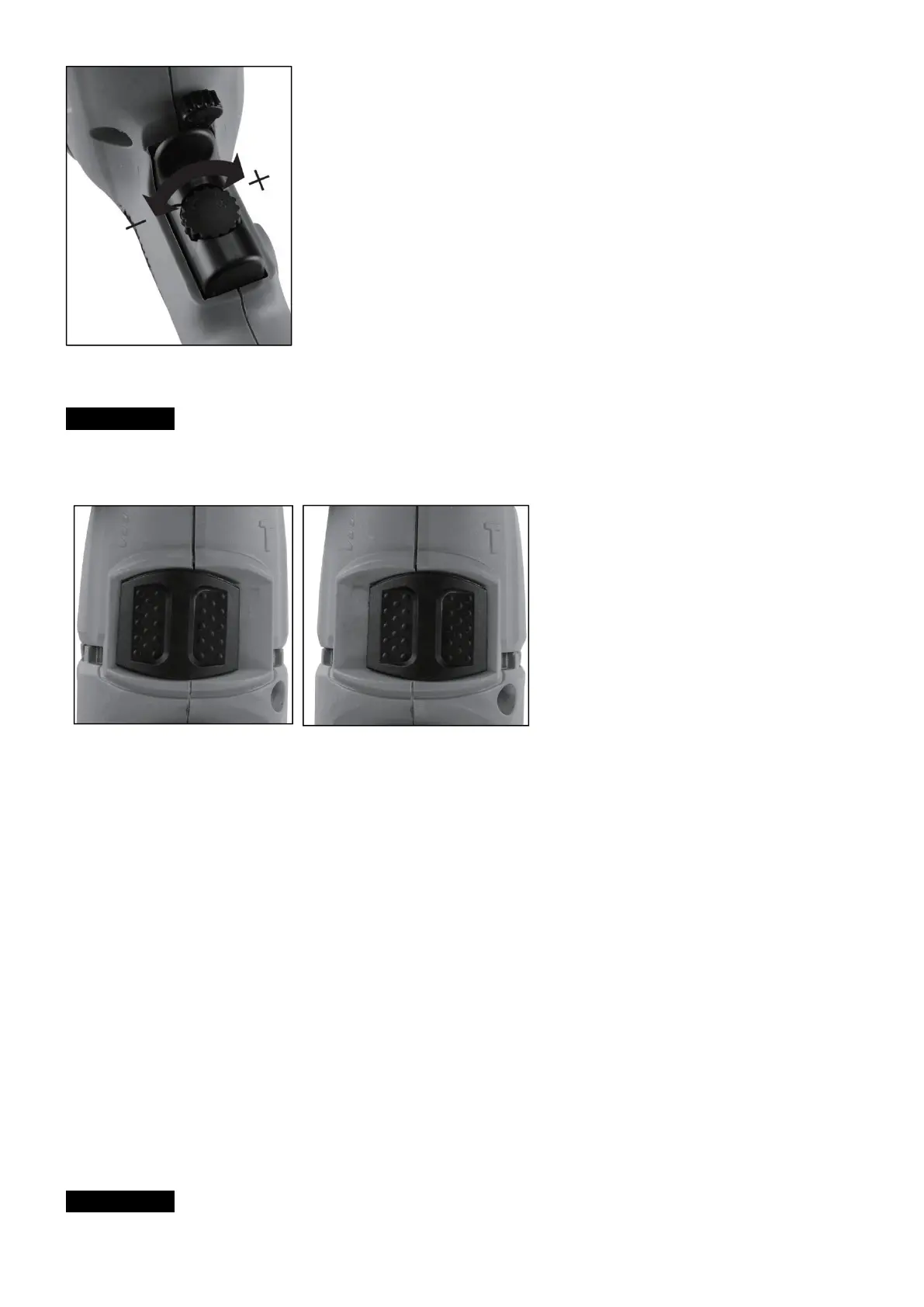
Drill / hammer drill selector switch
⚠ WARNING: Change switch position only when the drill is at a standstill!
Drill
Drill / hammer drill selector switch (4) in the drill position.
Use for: Wood, metal, plastic
Hammer drill
Drill / hammer drill selector switch (4) in the hammer drill position.
Use for: Concrete, rock, masonry
Tips for working with your hammer drill
Drilling concrete and masonry
a) Switch the Drill/Hammer drill selector switch (4) to position B (Hammer drill).
b) Always use carbide drill bits and a high speed setting for drilling into masonry and concrete.
Drilling steel
a) Switch the drill / hammer drill selector switch (4) to position A(drill).
b) Always use HSS drill bits (HSS = high speed steel) and a low speed setting for drilling steel.
c) We recommend that you lubricate the hole with a suitable cutting fluid to prevent unnecessary drill bit wear.
Inserting/Removing screws
a) Switch the Drill/Hammer drill selector switch (4) to position A(drill).
b) Use a low speed setting
Starting holes
If you wish to drill a deep hole in a hard material (such as steel), we recommend that you start the hole with a
smaller drill bit.
Drilling tiles
a) To start the hole, switch the drill / hammer drill selector switch (4) to position A (drill).
b) Switch the drill / hammer drill selector switch(4) to position B (hammer drill) as soon as the drill bit has passed
through the tiles.
Cleaning and Maintenance
⚠ WARNING: Always pull out the mains power plug before starting any cleaning work.
Cleaning



 To Next Page