Delem
V1101, 2.5
2.6 Update control
A new software version for the controls can be loaded directly from floppy disk.
When you load a new software version you also load the language files. Every application floppy
contains 12 european and 4 asian languages. Which language files are really loaded, depends on
the copy commands in the appl.cmd file. You find this file on the application disk. The
following subjects are discussed in this section:
• update control;
• emergency procedure software installation;
• the files on the application floppy;
• loading language sets (european, asian).
Update control procedure
Step 1: Obtain from DELEM a floppy disk with the latest control (application) software.
Step 2: Turn the power of the control ON.
Step 3: Put the floppydisk in the diskdrive of your control.
Step 4: Go to the machine parameter menu (menu 19).
Step 5: Enter the access code 14753. The main screen of the machine parameter menu appears.
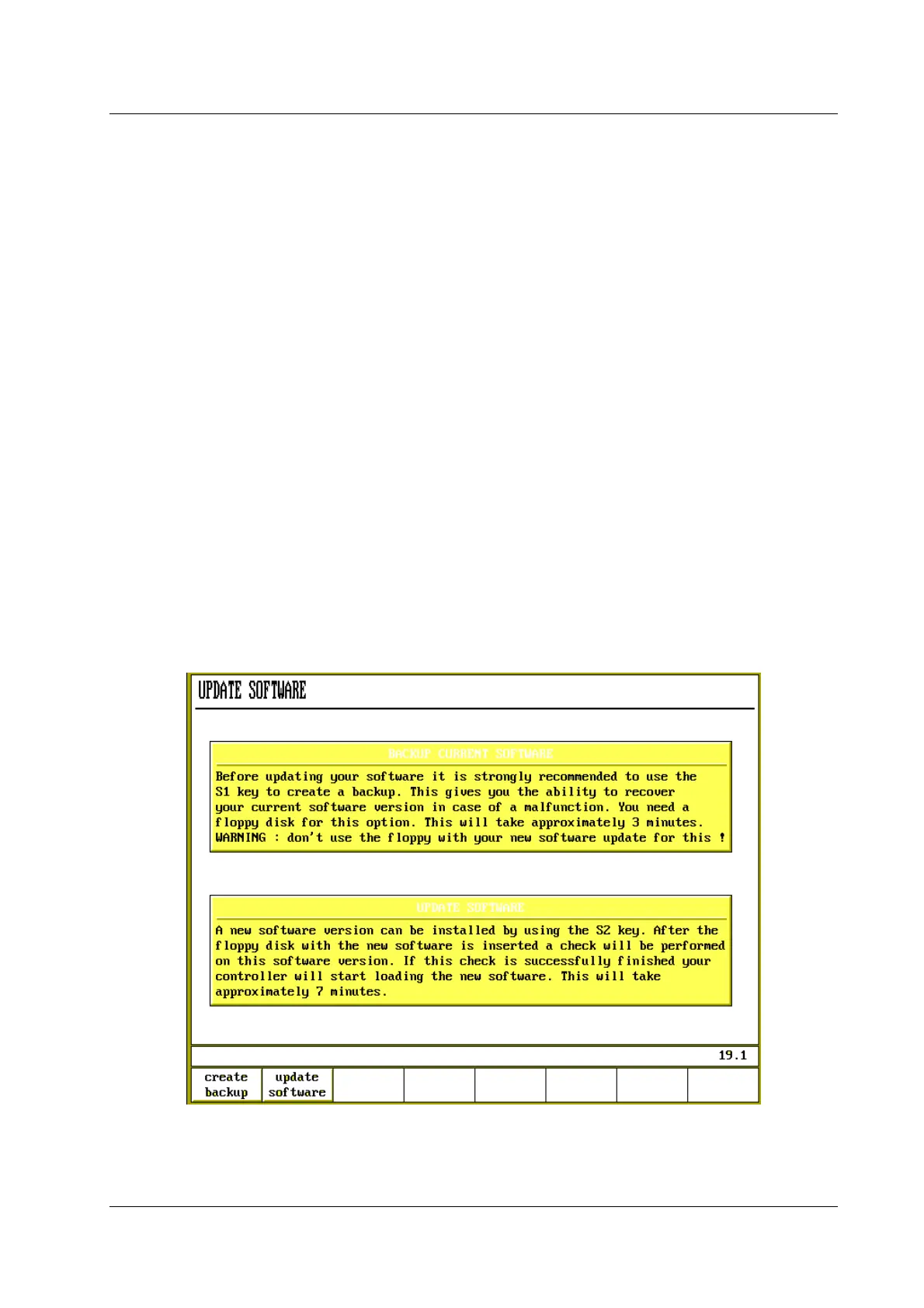
Step 6: Select ‘4’ in the machine parameter menu. The next screen appears.
Figure 2.6.a


 To Next Page
 Loading...
