9. DISPLAY AND ACCESS TO INFORMATION
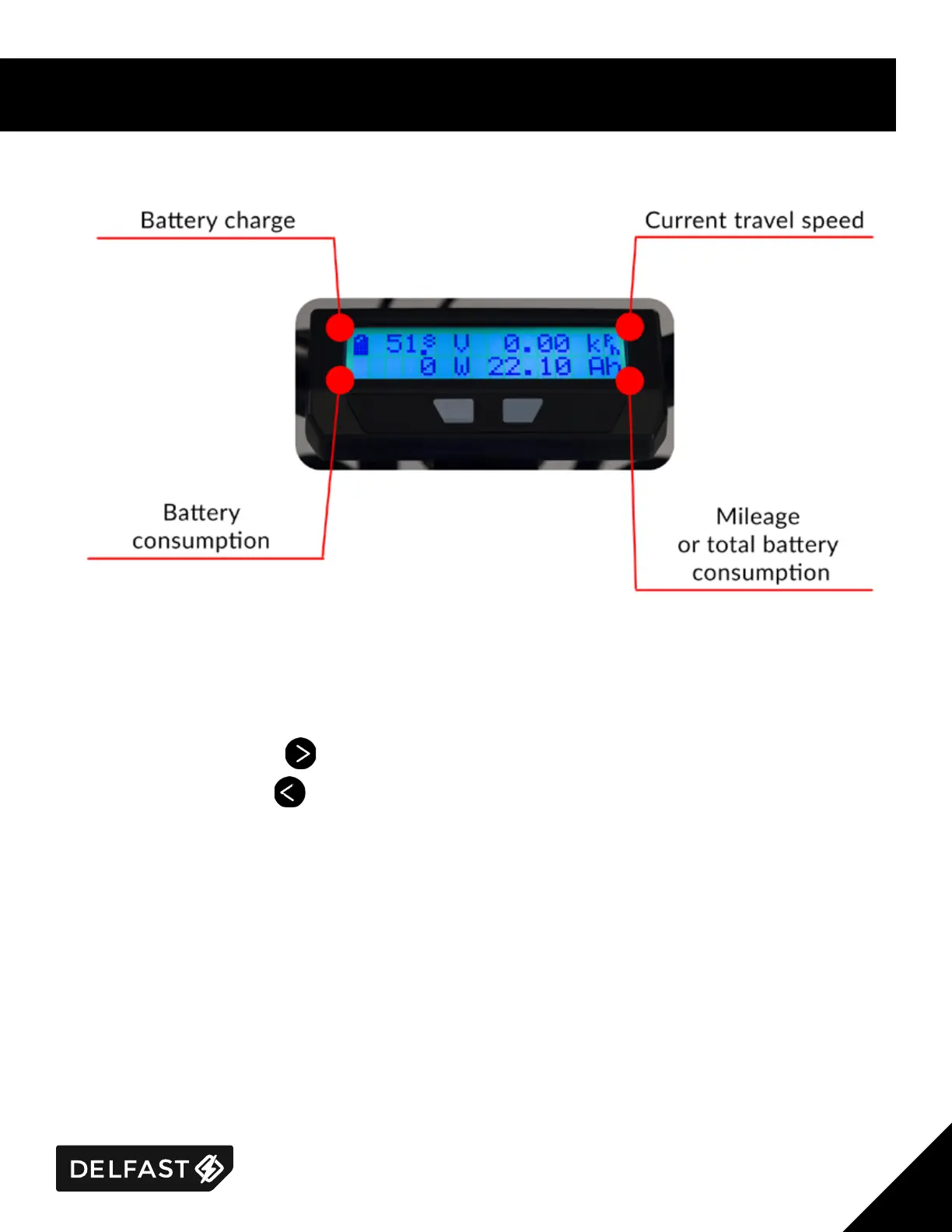
Using the display, you get access to informaon about the state of the bike:
The backlighng of the display is always on, that allows you to read informaon in any light condions.
Seng the funcons:
To select informaon: Press , to select informaon.
Seng the funcon: Press , to go to the funcon sengs page.
The display back lighng is always on in order to allow visability in both day and night use.



 To Next Page