34 Using Your Projector
LAMP
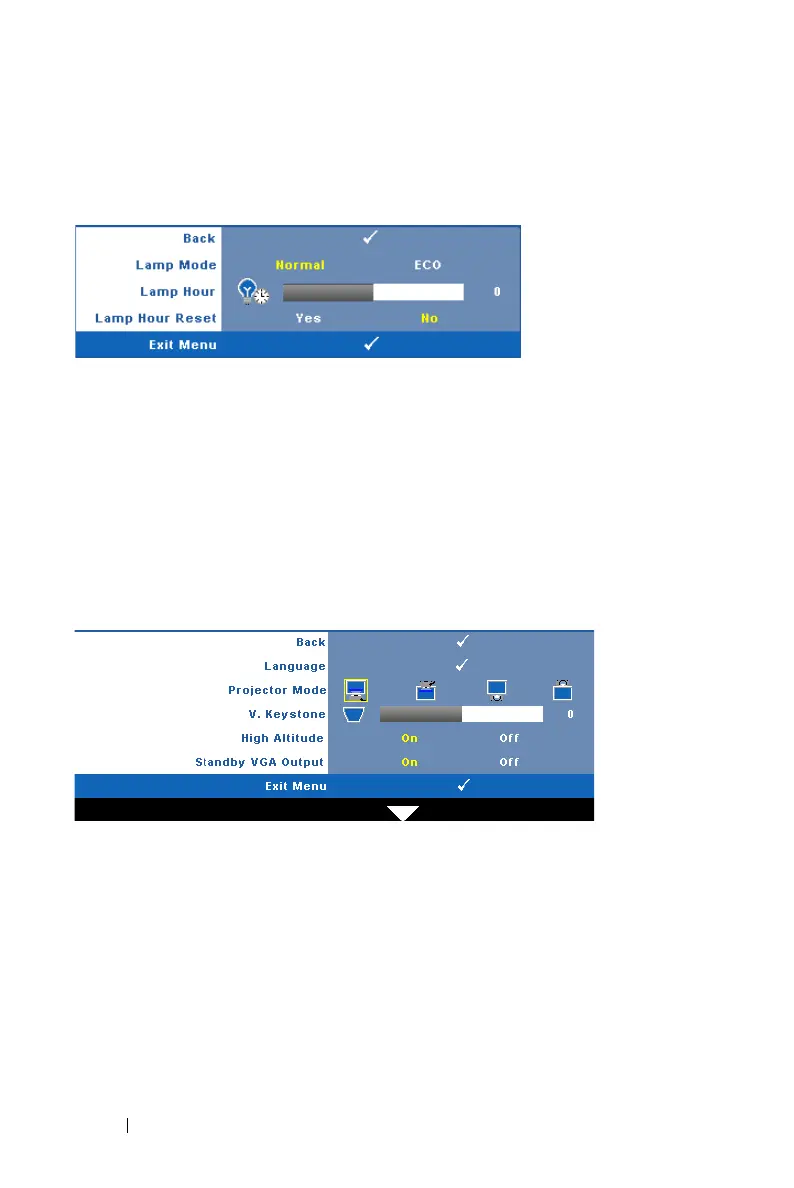
Using the Lamp menu, you can adjust the display settings of your projector. The
Lamp menu provides the following options:
LAMP MODE—Allows you to select between Normal and ECO mode.
Normal mode operates at full power level. ECO Mode operates at a lower power
level which may provide longer lamp life, quieter operation, and dimmer
luminance output on the screen.
L
AMP HOUR—Displays the operating hours since the last lamp timer reset.
L
AMP HOUR RESET—Select Yes to reset the lamp timer.
SET UP
The Set Up menu allows you to adjust settings for Language, Projector Mode,
Keystone, High Altitude, and Standby VGA Output.



 To Next Page