Using Your Projector 33
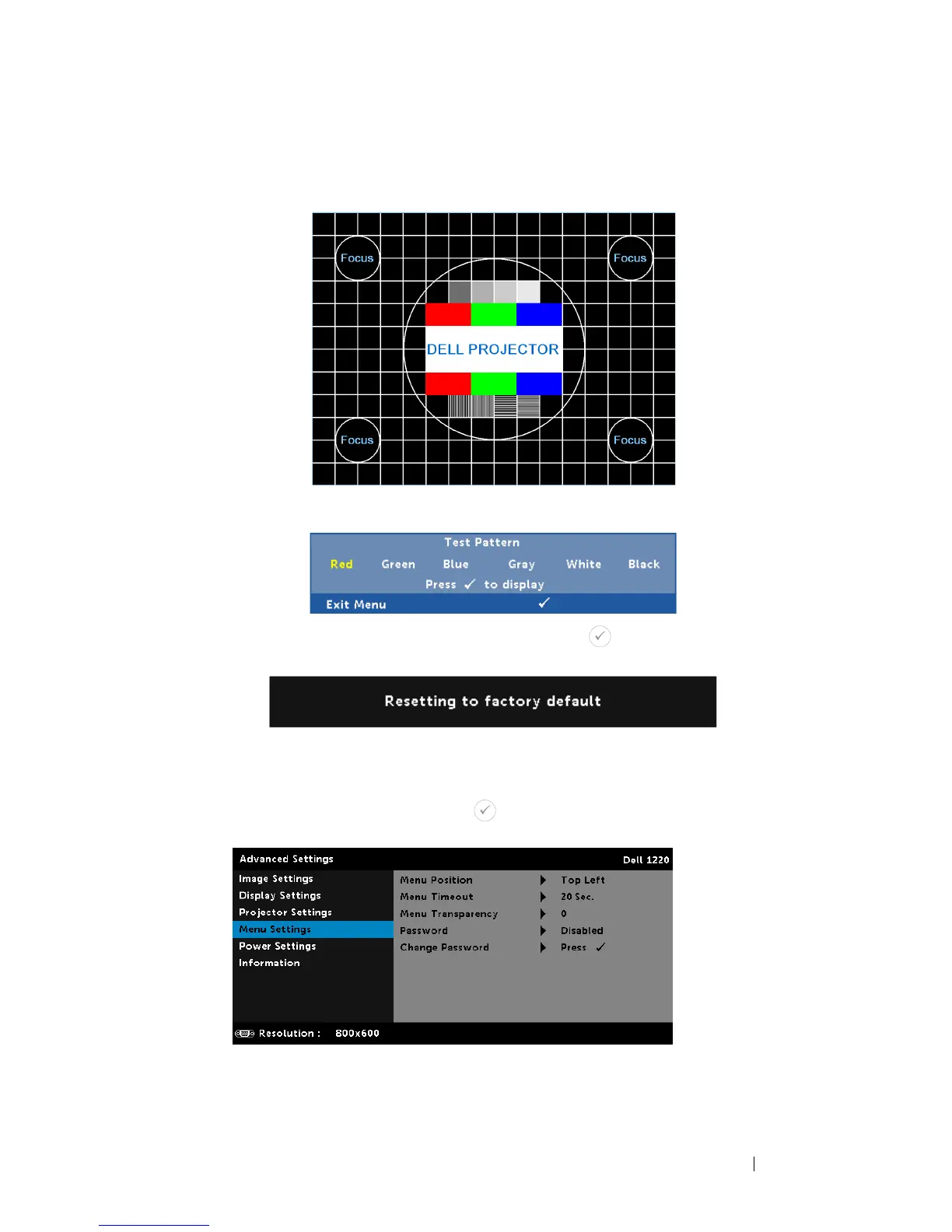
Pattern 1
, or
Test Pattern 2
.
F
ACTORY RESET—Select Confirm and press to reset all settings to
its factory default. The below warning message appears:
Reset items include both computer sources and Video source
settings.
MENU SETTINGS—Select and press to activate menu settings. The menu
settings consist of the following options:
M
ENU POSITION—Allows you to change the position of the OSD
menu on the screen.



 To Next Page