Using Your Projector 35
2
If you have entered an incorrect password, you will be given two more
chances. After three invalid attempts, the projector will automatically
turn off.
NOTE: If you forget your password, contact DELL or a
qualified service person.
3
To disable the password function, select the
Disabled
option to close
the function.
4
To delete the password, select the
Delete
option.
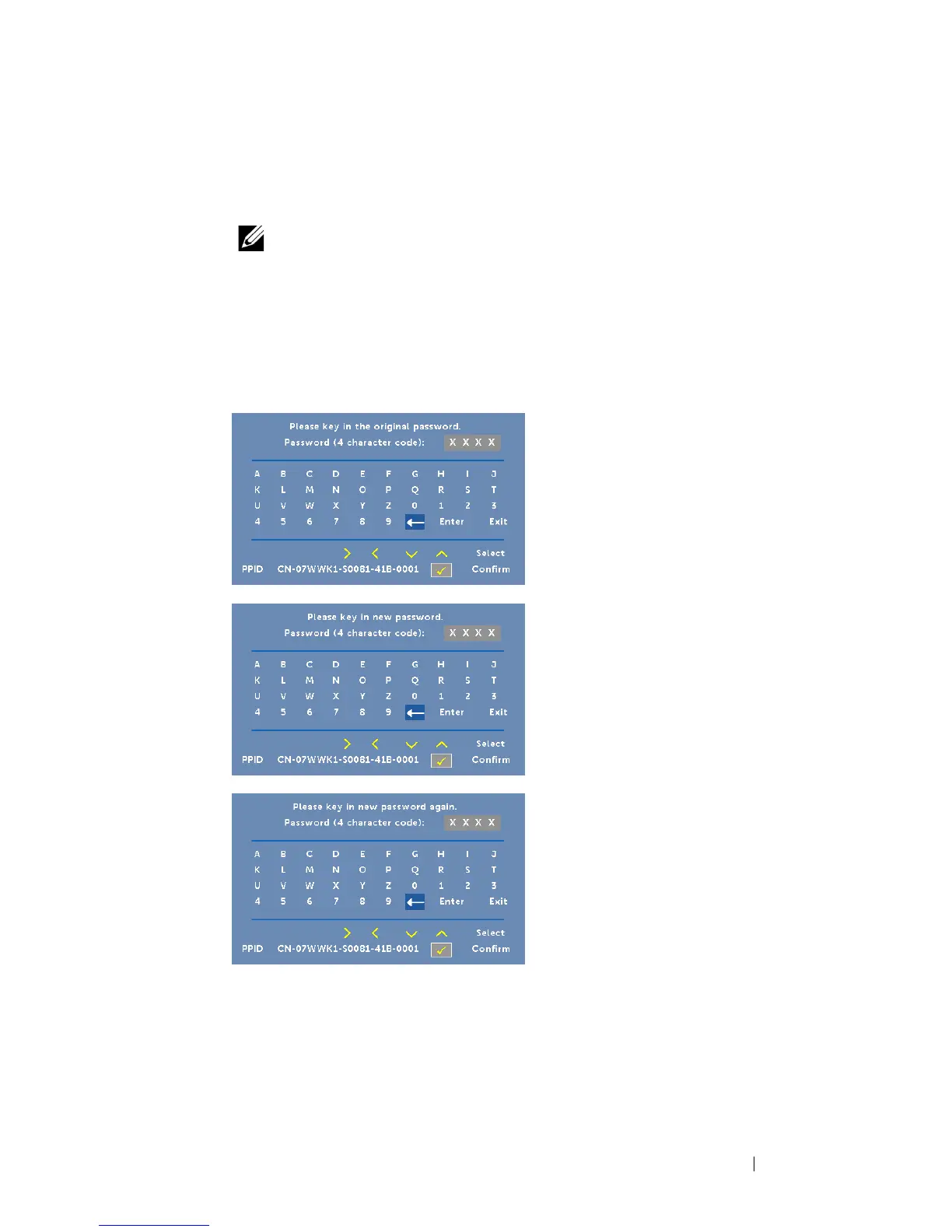
CHANGE PASSWORD—Key in the original password. Then, enter the
new password and confirm the new password again.



 To Next Page