Operating the Monitor:Dell 1908FP-BLK Flat Panel Monitor User's Guide
file:///T|/htdocs/monitors/1908WFP/1908FPBL/en/ug/operate.htm[11/8/2012 12:10:47 PM]
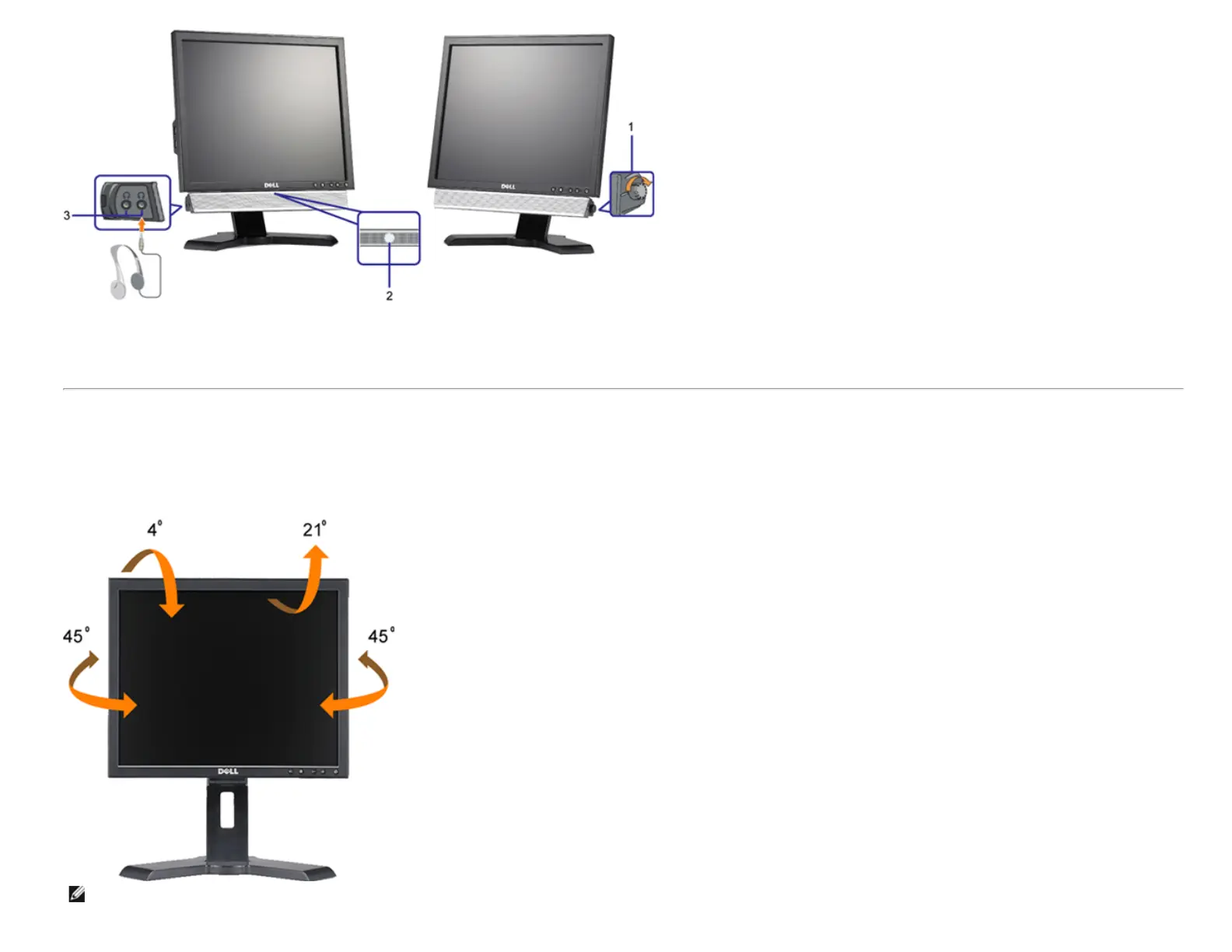
1. Power/volume control
2. Power indicator
3. Headphone connectors
Using the Tilt, Swivel, and Vertical Extension
Tilt/Swivel
With the built-in pedestal, you can tilt and/or swivel the monitor for the most comfortable viewing angle.
NOTE: Stand is detached and extended when the monitor is shipped from the factory.











 To Next Page