10
|
Getting Started With Your System
Securing the Cabinet
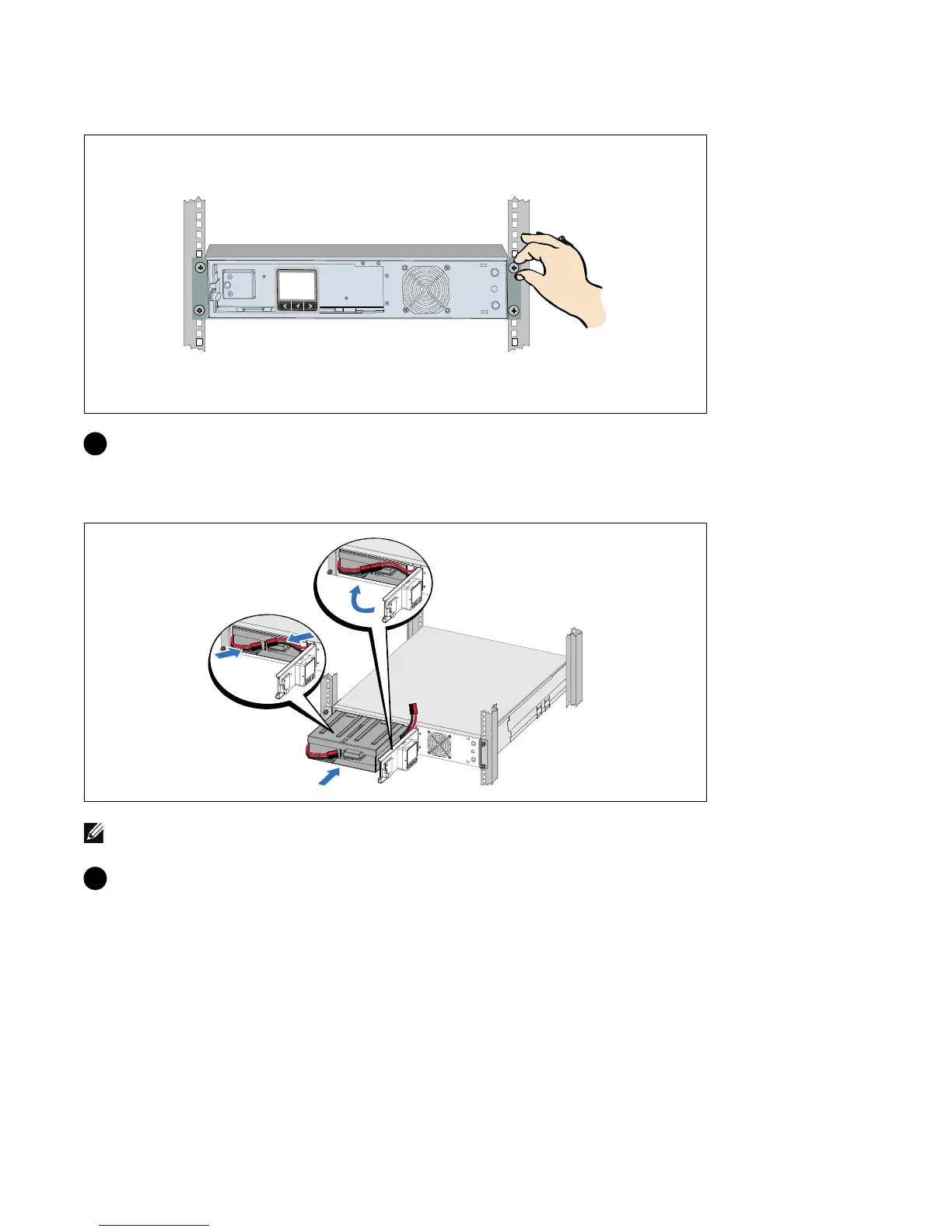
8 Secure the front of the cabinet to the rack using the thumbscrews on the mounting brackets.
Tighten by hand; do not use power tools. Repeat for any additional cabinets.
Installing the Battery Tray
NOTE: A small amount of arcing may occur when connecting the batteries. This is normal and does not damage
the unit or present any safety concern.
9 Connect the internal battery connector and reclip the right battery connector.



 To Next Page