11
Getting Started With Your System
|
10 Close the metal battery cover.
Adjust the battery connector so that the door closes properly. Push the door slightly to the right
and then to left.
11 Tighten the thumbscrew.
Torque the screw to 0.7 Nm (6.2 lb in).
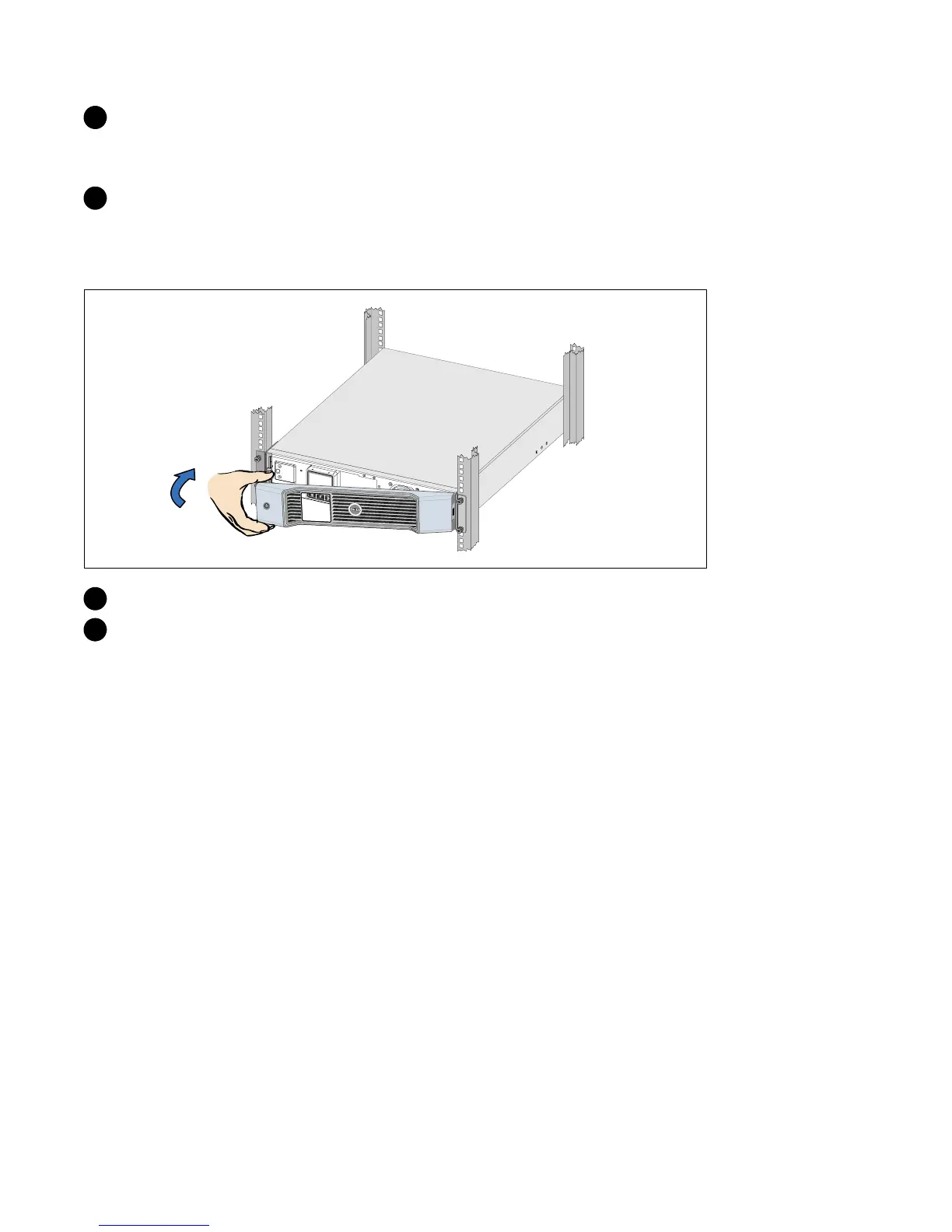
Installing the UPS Front Cover
12 Install the UPS front cover.
13 Continue to “Connecting the Equipment” on page 15.



 To Next Page