This guide can be used for Dell™ laser printers 5330dn, 2335dn, and 2355dn 17
Using the printer's Embedded Web Server to configure the Dell Internal Wireless
Adapter
1
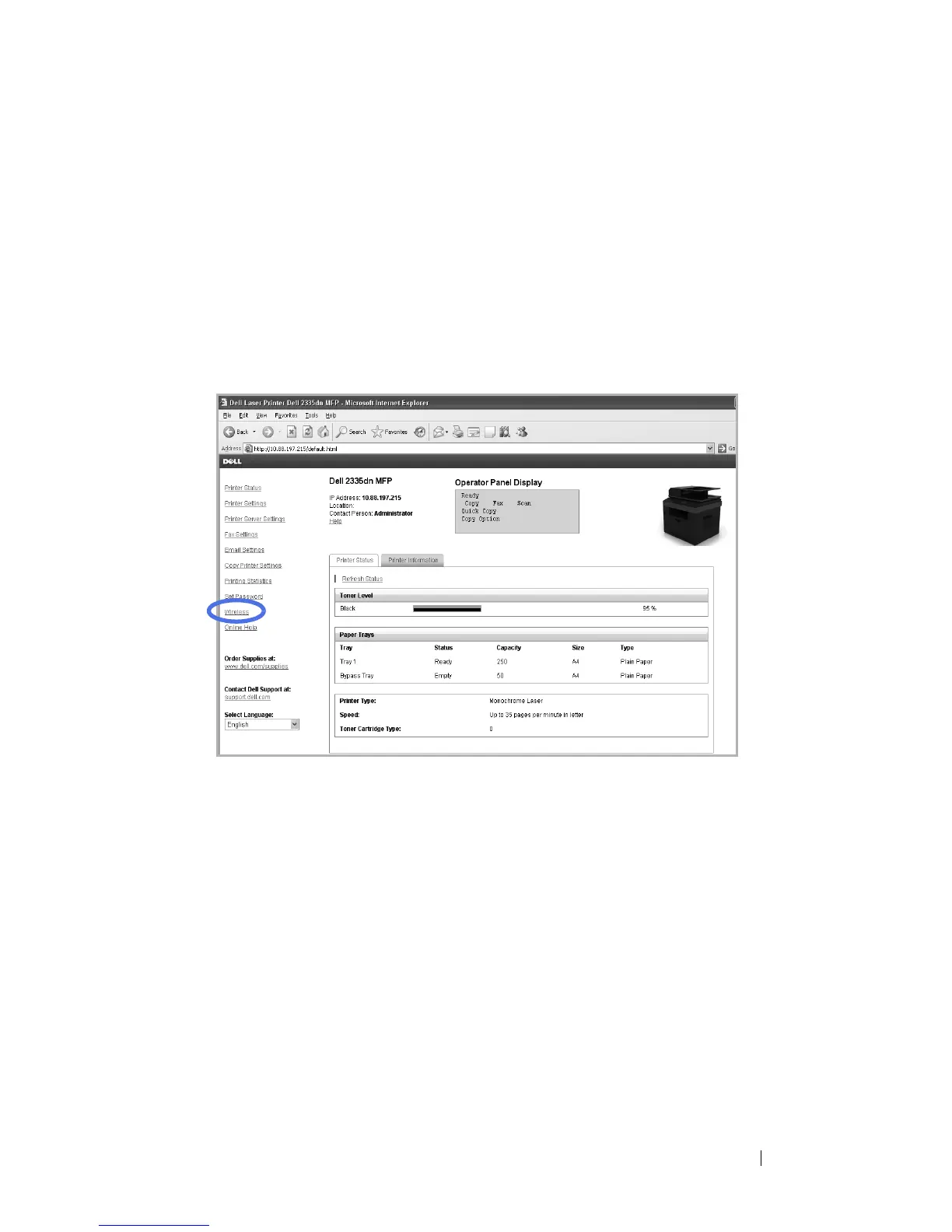
Launch your internet browser window and type in the IP address of the
printer in the address bar. (As seen on the
Configuration Page
.)
You have now accessed the printer’s
Embedded Web Server
(EWS). You
are ready to configure the wireless settings.
2
Select the
Wireless
option on the left pane.
This may differ form your machine depending on its model.
3
Select either
Wizard
(recommended) or
Custom
to set your network
information.
•
Wizard Mode
: In this mode the setup is automatic. Printer will display
a list of available network to choose. After a network is chosen then
printer will prompt for the corresponding security Key.
Or
•
Custom Mode
: In this mode users can give their own SSID or edit
SSID, choose the security manually and apply the settings.



 To Next Page