Maintenance 61
7
Maintenance
Replacing Print Cartridges
CAUTION: Before performing any of the following procedures, read and follow the "CAUTION: Safety
Instructions" on page 9.
NOTICE: To protect the drums of the print cartridges against bright light, close the front cover within 5
minutes. If the front cover remains open for more than 5 minutes, print quality may deteriorate.
Dell print cartridges are available only through Dell. You can order more toner online at
http://www.dell.com/supplies
or by phone. To order by phone, see "Order Printer Supplies" on
page 2.
Dell recommends Dell print cartridges for your printer. Dell does not provide warranty coverage for
problems caused by using accessories, parts, or components not supplied by Dell.
CAUTION: Never throw used print cartridges into a fire.The residual toner could explode resulting in
burns and injuries.
CAUTION: Since the used print cartridge may spill some toner, do not shake it.
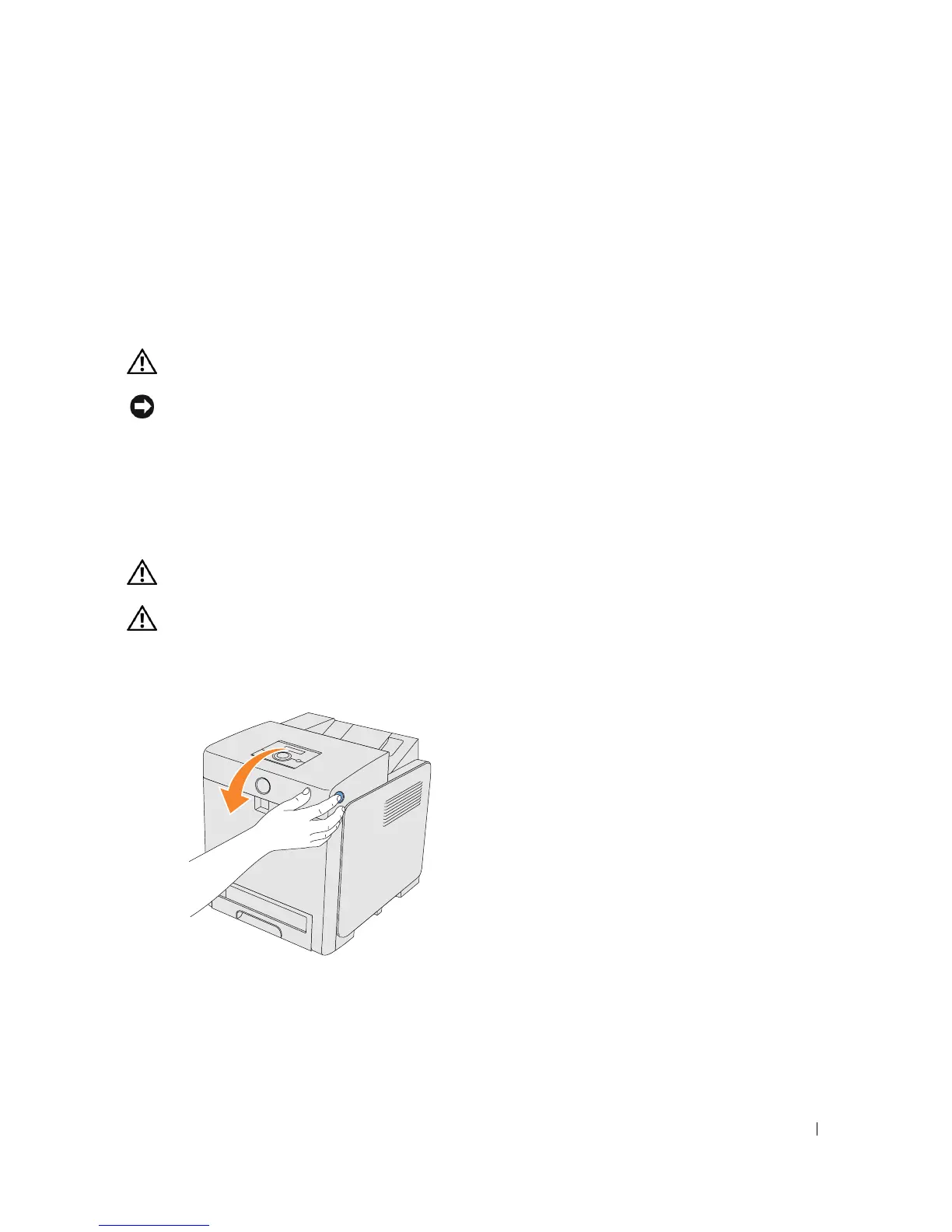
Removing the Used Print Cartridge
1.
Push the side button and open the front cover.















 To Next Page