Maintenance 79
4.
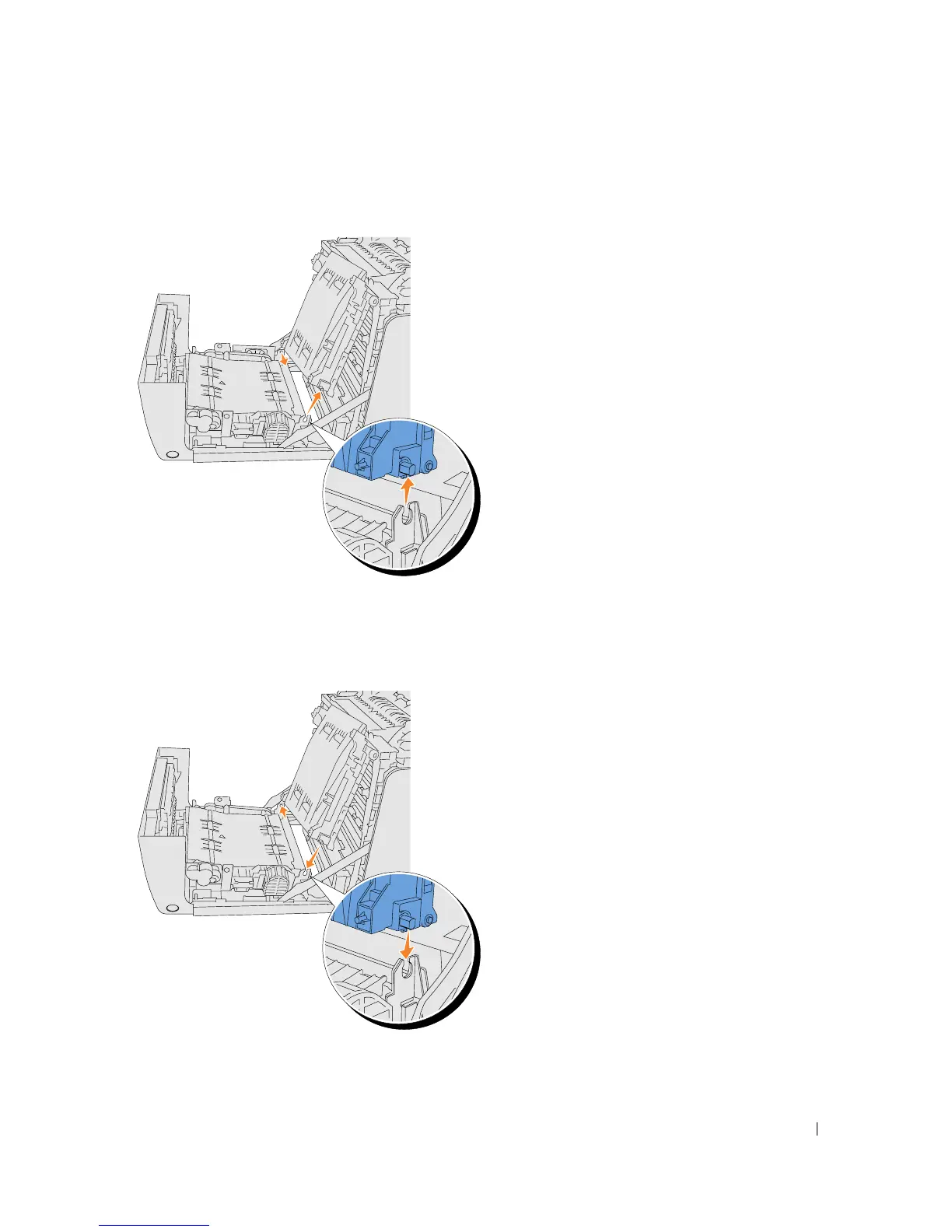
Hold both sides of the belt unit with both hands and pull up the left side of the unit until the
peg on the left side comes out of the groove. Then, shift the belt unit to the right and remove
the unit from the printer.
Installing a New Belt Unit
1.
Unpack a new belt unit.
2.
Insert the left peg into the corresponding left side belt unit hole, then align the right peg with
the groove, and then push down on the right side of the belt unit to seat into place.















 To Next Page