40 Using Your Projector
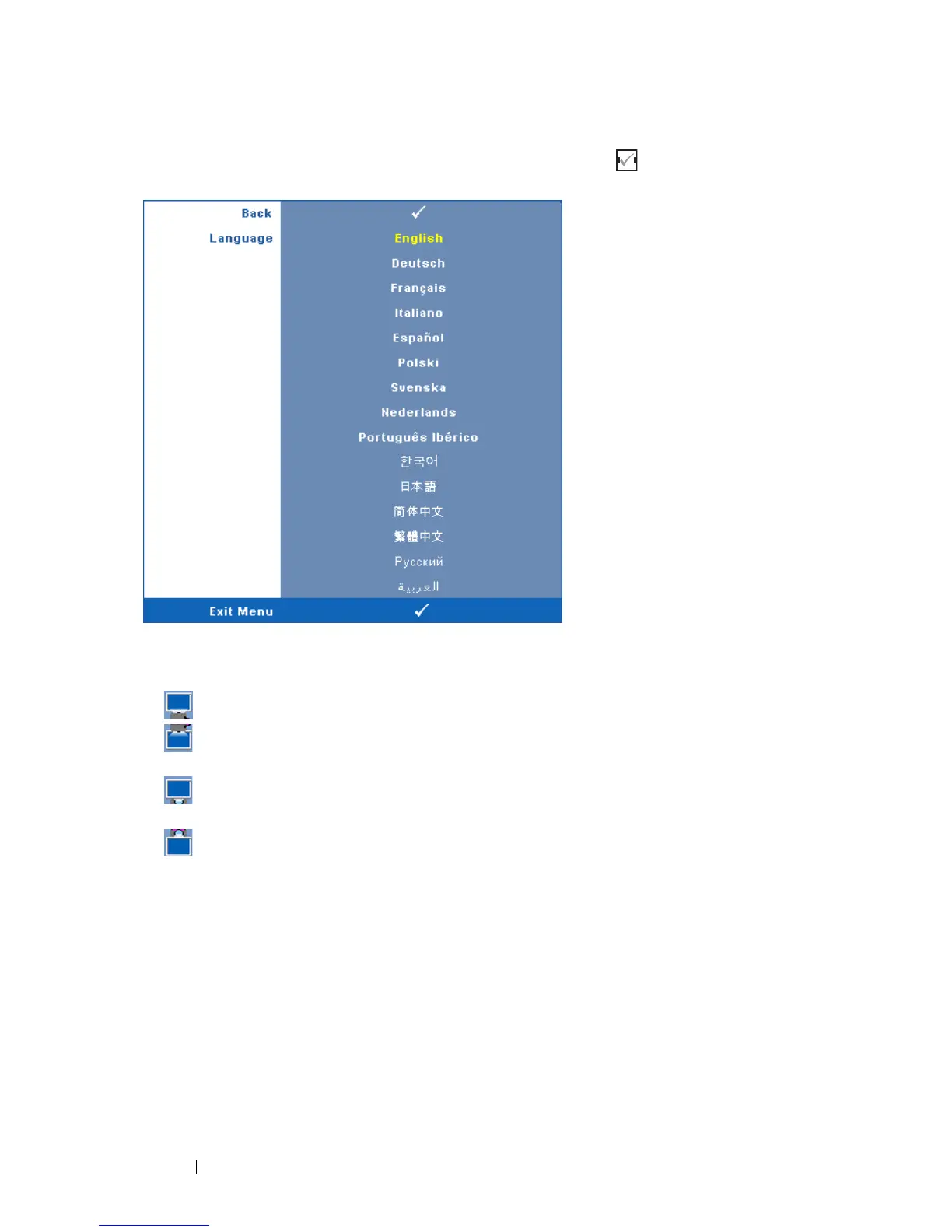
LANGUAGE—Allows you to set the language for the OSD. Press to activate the
Language menu.
PROJECTOR MODE—Allows you to select the projector mode, depending upon how
the projector is mounted.
• Front Projection-Desktop — This is the default option.
• Front Projection-Ceiling Mount — The projector turns the image upside
down for ceiling-mounted projection.
• Rear Projection-Desktop — The projector reverses the image so that you can
project from behind a translucent screen.
• Rear Projection-Ceiling Mount — The projector reverses and turns the image
upside down. You can project from behind a translucent screen with a ceiling-
mounted projection.
AUTO KEYSTONE—Select On to enable the auto correction for vertical image
distortion caused by tilting the projector.
V. K
EYSTONE—Manually adjust the vertical image distortion caused by tilting the
projector.
A
LERT VOLUME—Allows you to set buzzer alert loudness (Off, Low, Mid or High) for
power on/off, warning and command keys.



 To Next Page