20 Getting Started
www.dell.com | support.dell.com
Maintenance Menu
From the sub-menu: You can:
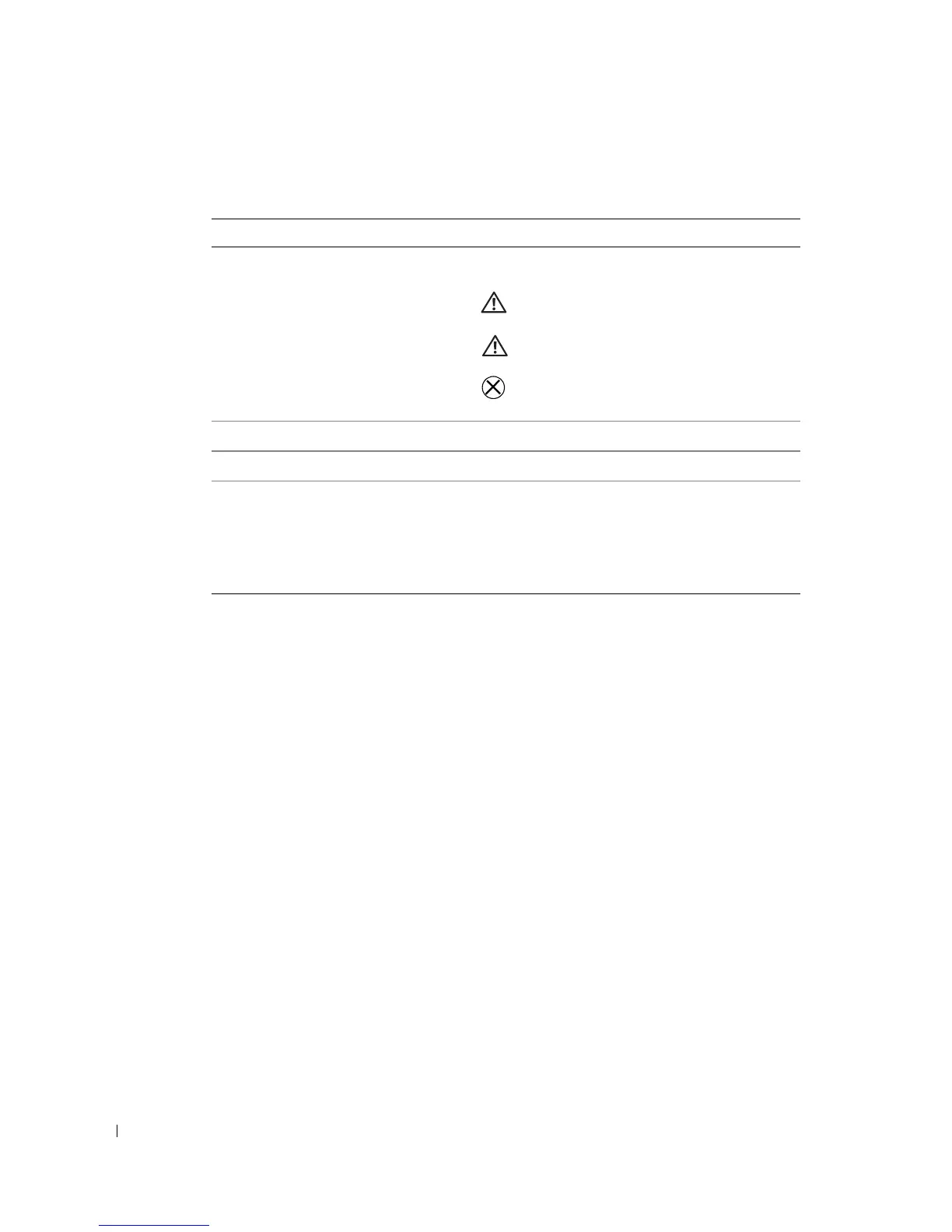
PRINTS REMAINING
Check if the photo cartridge is low; if so, directions
are displayed.
•
6-15 prints remaining
•
1-5 prints remaining
•
0 prints remaining
CHANGE CARTRIDGE
Display directions for changing the photo cartridge.
ADD PHOTO PAPER
Display directions for adding photo paper.
PRINTER DIAGNOSTICS
Help diagnose print quality problems and provide
printer identification information.
•
Test Print
•
Service Tag
—display your printer’s service tag
identification information.












 To Next Page