142 Installing System Components
10
Reconnect your system and peripherals to their electrical outlets, and turn
on the system.
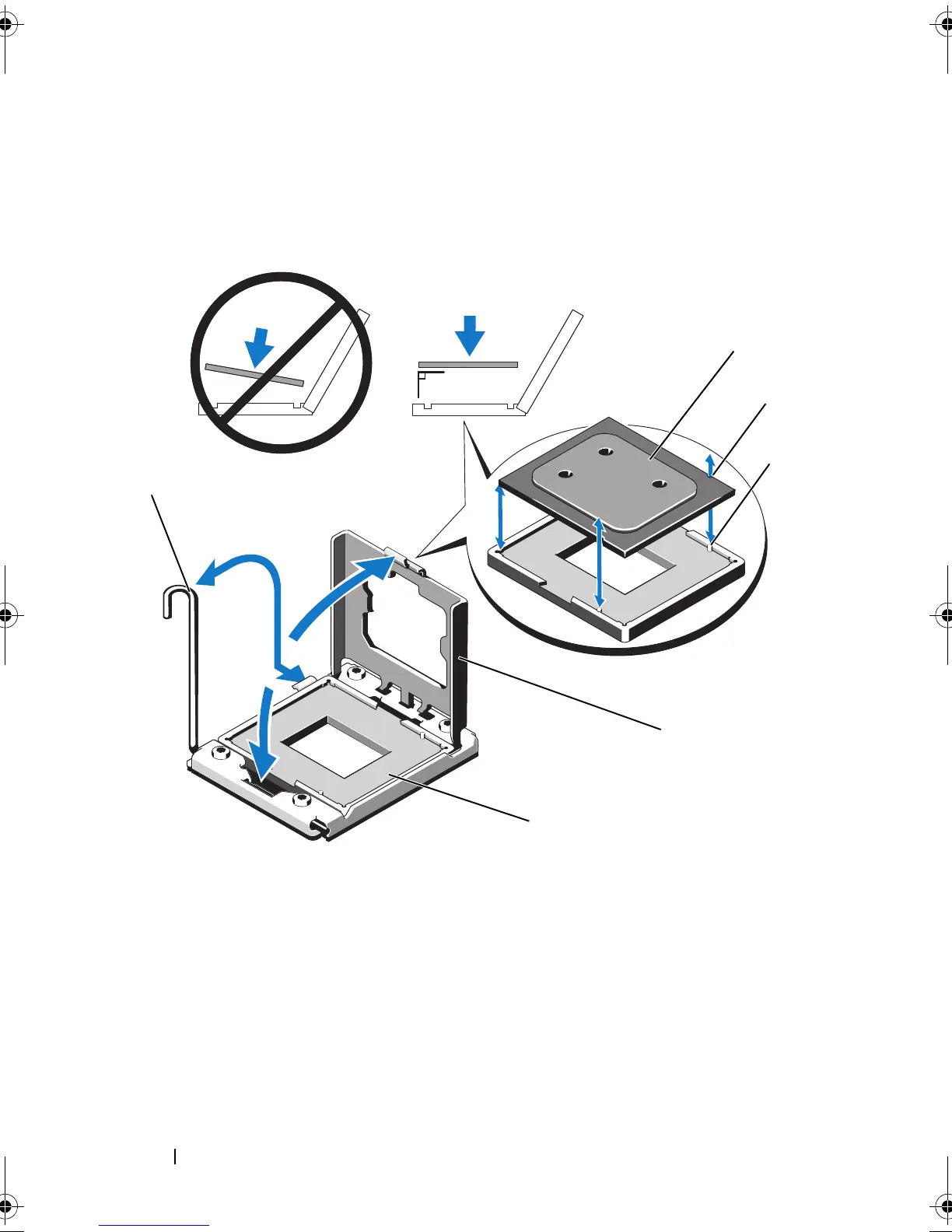
Figure 3-26. Removing and Installing a FlexMem Bridge
1 FlexMem Bridge 2 notch in FlexMem Bridge
3 socket key (2) 4 processor shield
5 ZIF socket 6 socket-release lever
book.book Page 142 Thursday, February 18, 2010 2:06 PM












 To Next Page