Need help?
Do you have a question about the Dell 9020 SFF and is the answer not in the manual?
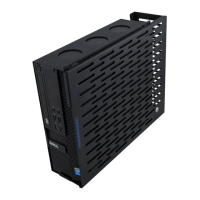
Lists the main bracket and cover included in the kit.
Lists the pan head screws and anchors provided for mounting.
Select an appropriate wall location, considering cable routing and length.
Hold the base in position and mark four hole positions with a pencil.
Install drywall anchors at marked positions using a screwdriver.
Secure the main bracket to the wall using supplied pan head screws.
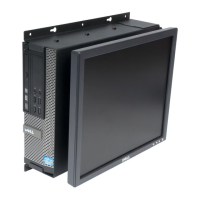
Slide the computer into the front of the mounted main bracket.
Align the cover's tabs with the main bracket holes and lock it in place.
 General
| Brand | Dell |
|---|---|
| Model | 9020 SFF |
| Category | Racks & Stands |
| Language | English |

 To Next Page