Making Skype for Business calls
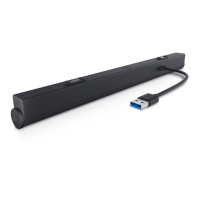
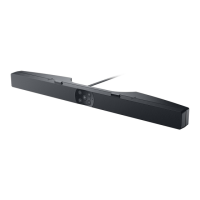
1 Press the call button to open up Skype for Business.
2 Initiate a call via the Skype for Business application on your computer.
3 Press the call hang-up button to end the call.
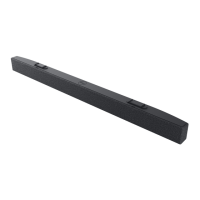
4 Press the mic mute button to mute the microphone on the sound bar.
Pressing the mic mute button again will unmute the microphone on the sound
bar.
Making a call
Muting the mic
Hang-up the call
11


 To Next Page