Contents [ hide
1 Notes, cautions, and warnings
2 What’s in the box
3 Features
3.1 Adjustable DPI
3.2 Scrolling count
4 Setting up your gaming mouse
4.1 Connecting the mouse
5 Alienware Command Center (AWCC) Application
5.1 Installing AWCC through Windows Update
5.2 Installing AWCC from the Dell Support website
6 Troubleshooting
7 Related Manuals:
Notes, cautions, and warnings
NOTE: A NOTE indicates important information that helps you make better use of your computer.
CAUTION: A CAUTION indicates potential damage to hardware or loss of data if instructions are not
followed.
WARNING: A WARNING indicates a potential for property damage, personal injury, or death.
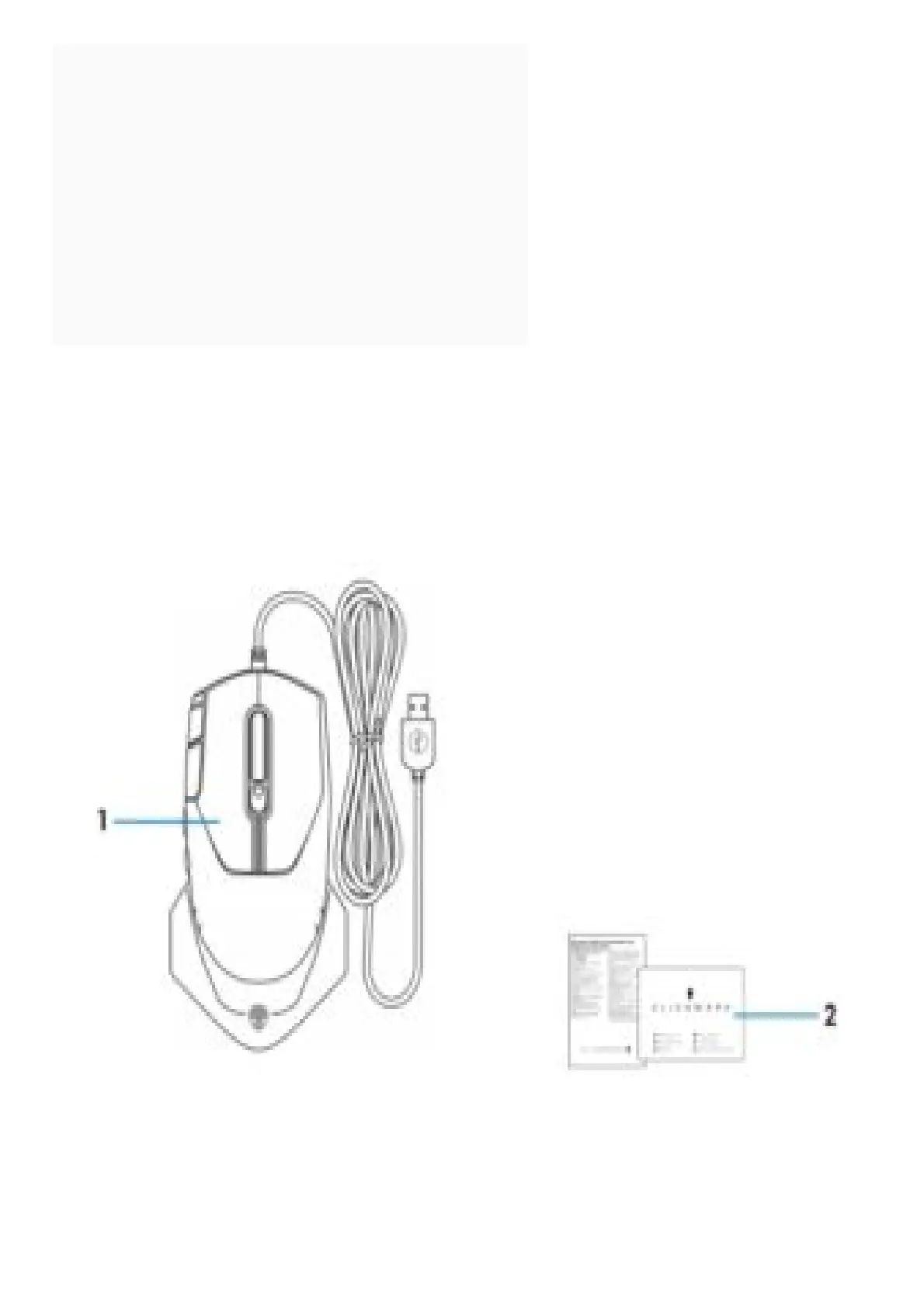
What’s in the box
1. . Mouse
2. Documents
Features



 To Next Page