Copy menu
138
3. Useful Setting Menus
Layout >
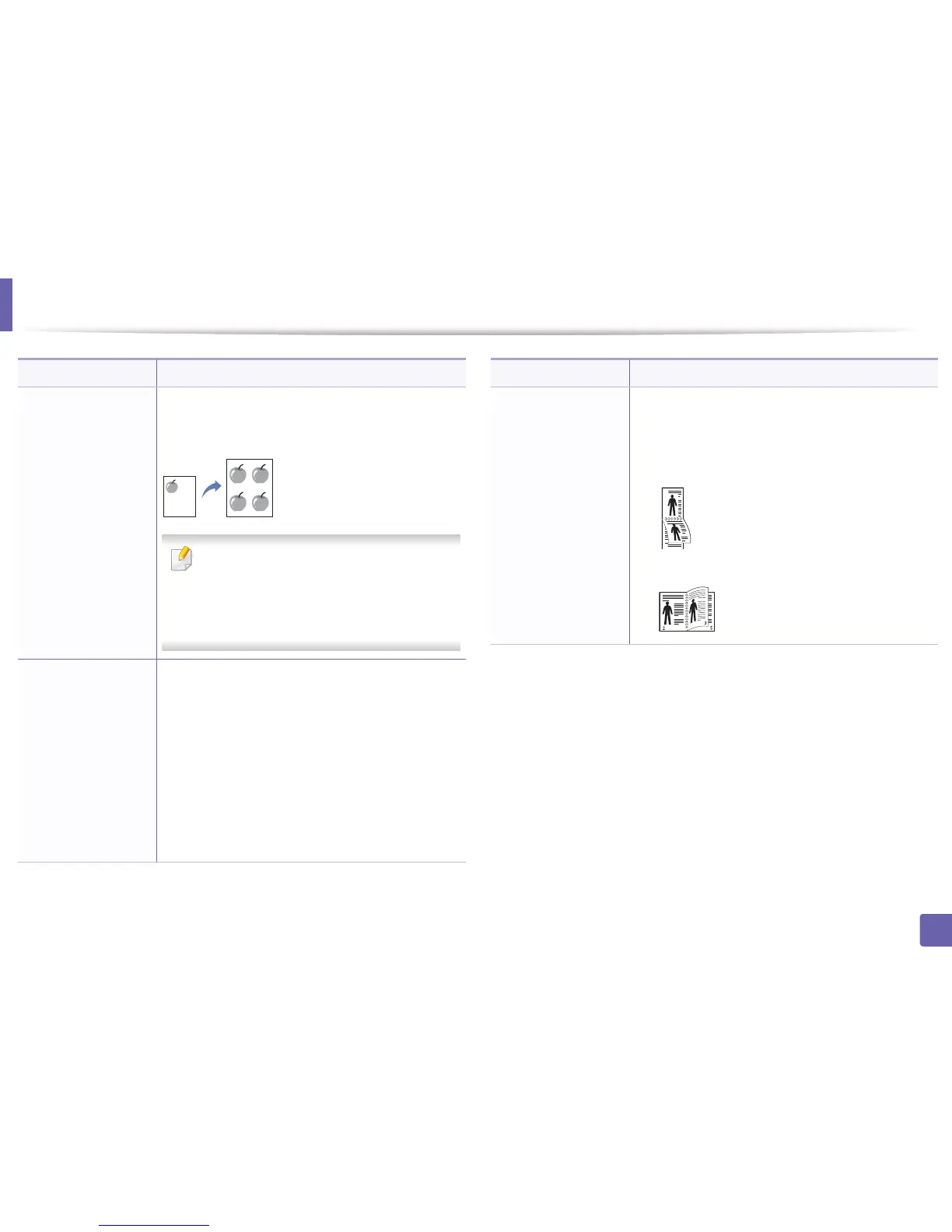
Clone Copy
Prints multiple original images on a single page. The
number of images is automatically determined by the
original image and the paper size.
• This copy feature is available only when you
place originals on the scanner glass.
• You cannot adjust the copy size using
Reduce/Enlarge for the Clone Copy
feature.
Adjust Bkgd
Prints an image without its background. This copy
feature removes the background color and can be
helpful when copying an original containing color in
the background, such as a newspaper or a catalog.
• Off: Does not use this feature.
• Auto: Optimizes the background.
• Enhance Lev.1~2: The higher the number is, the
more vivid the background is.
• Erase Lev.1~4: The higher the number is, the lighter
the background is.
Item Description
Duplex
You can set the machine to print copies on both sides of
paper.
• Off: Prints in normal mode.
• 1->2Side Short
• 1->2Side Long
Item Description















 To Next Page