System setup
147
3. Useful Setting Menus
10
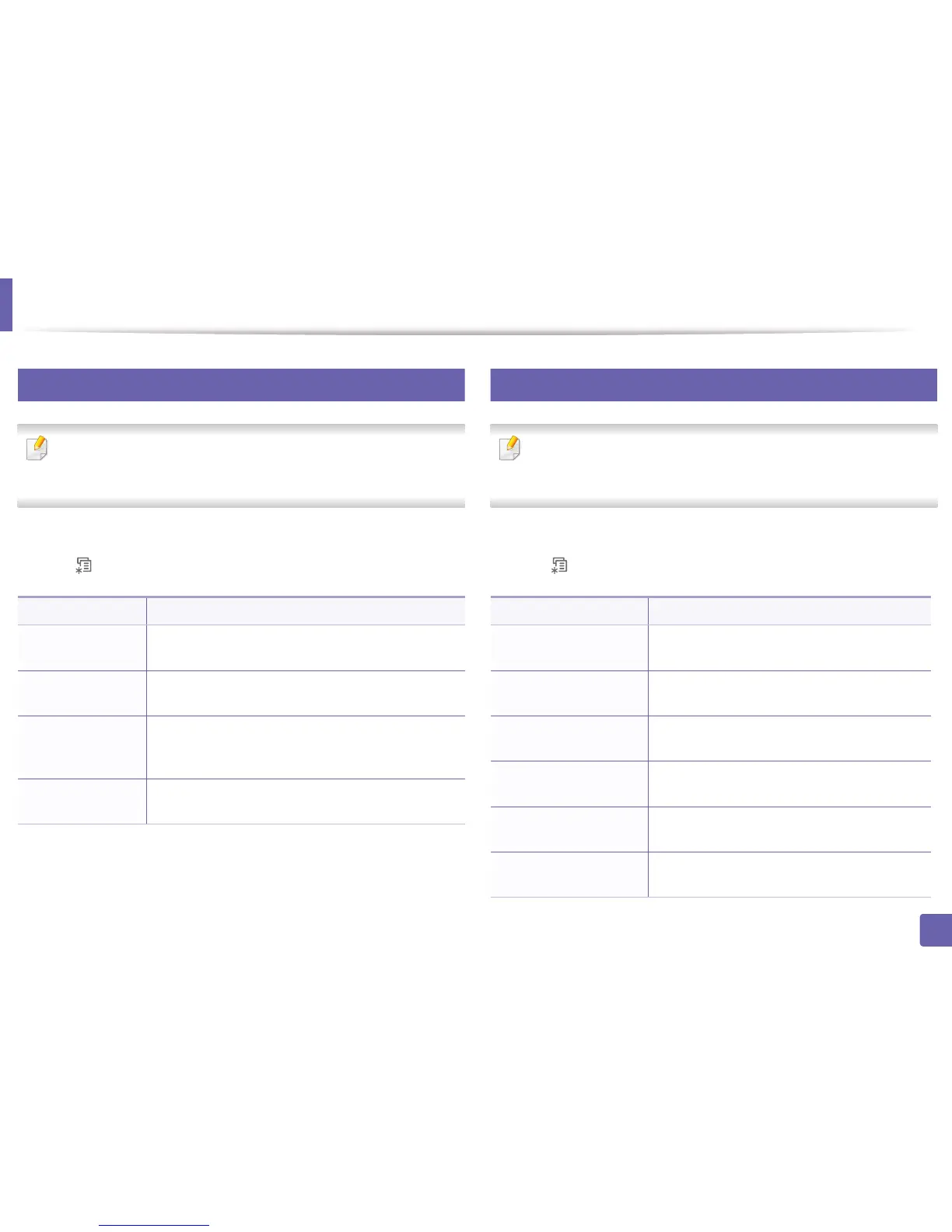
Maintenance
Some menus may not appear in the display depending on options or
models. If so, it is not applicable to your machine (see "Menu overview" on
page 25).
To change the menu options:
• Press (Menu) > System Setup > Maintenance on the control panel.
11
Clear setting
Some menus may not appear in the display depending on options or
models. If so, it is not applicable to your machine (see "Menu overview" on
page 25).
To change the menu options:
• Press (Menu) > System Setup > Clear Setting on the control panel.
Item Description
CLR Empty Msg.
When toner cartridge is empty, this option appears. You
can clear the empty message.
Supplies Life
Shows the supply life indicators (see "Monitoring the
supplies life" on page 67.)
Serial No.
Shows the machine’s serial number. When you call for
service or register as a user on the Dell website, you can
find this.
TonerLow Alert
Customizes the level to alert toner low or toner empty
(see "Setting the toner low alert" on page 68).
Item Description
All Setting
Clears all of the data stored in memory and resets
all of your settings to the factory default.
Printer Setup
Restores all of the printer options to the factory
default.
Fax Setup
Restores all of the fax options to the factory
default.
Copy Setup
Restores all of the copy options to the factory
default.
System Setup
Restores all of the system options to the factory
default.
Network Setup
Restores all of the network options to the factory
default. (Reboot required.)















 To Next Page